

Nano Banana 2.1 Specs: Resolution, References, and Limits
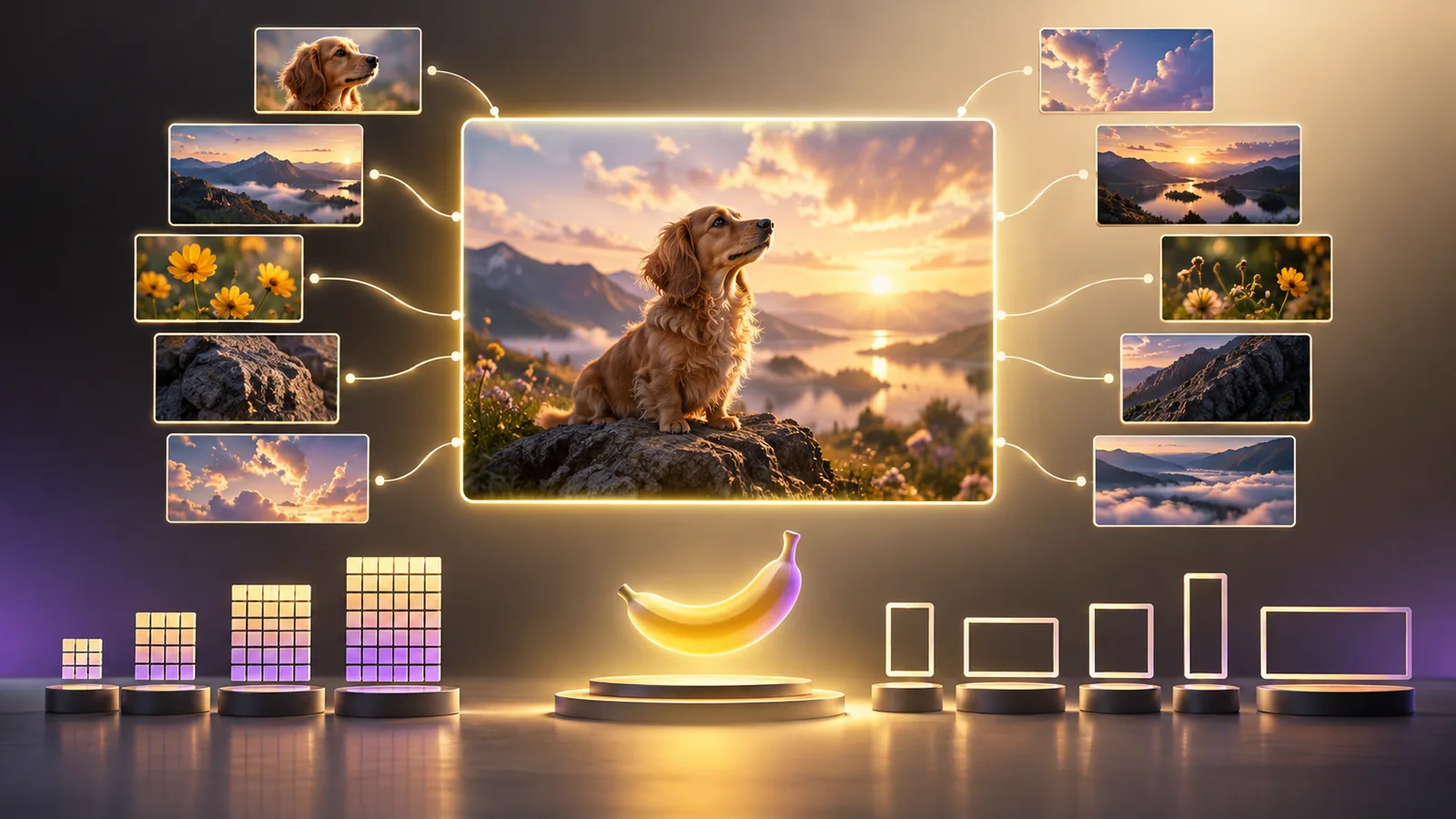
Nano Banana 2.1 supports text-to-image and reference-led image generation at 1K, 2K, and 4K on nanobanana21.net. The current editor accepts up to 10 reference images, lets you request one to four outputs in a batch, and charges 2, 4, or 6 credits per output according to resolution.
Open the Nano Banana 2.1 editor
The short answer
| Setting | Nano Banana 2.1 on nanobanana21.net |
|---|---|
| Workflows | Text-to-Image and Image-to-Image |
| Native resolution choices | 1K, 2K, and 4K |
| Reference images in this editor | Up to 10 |
| Character references | Use no more than four when identity consistency is the goal |
| Batch size | 1 to 4 outputs per submission |
| Prompt length | Up to 20,000 characters |
| Accepted reference formats | JPEG, PNG, and WebP |
| Maximum reference file size | 30 MB per uploaded image |
| Output format | PNG |
| Credit cost per output | 1K: 2; 2K: 4; 4K: 6 |
These are the settings enforced by our editor and integration as checked on October 15, 2026. They are more useful for planning a run on this website than a generic model specification.
Model capability and website limits are different
Google documents Nano Banana 2.1 as the model ID gemini-nano-banana-2.1 and describes it as the recommended high-efficiency model for new image projects. Google's API documentation lists 1K, 2K, and 4K output, multi-turn editing, text rendering, and Search grounding. It also explains that the model can work with up to 10 high-fidelity object references plus up to four character references in one workflow. See Google's Nano Banana image generation documentation.
The phrase “up to 14 reference images” can be misleading without that breakdown. It does not mean 14 interchangeable portraits. Google separates object fidelity from character resemblance. On nanobanana21.net, the current upload interface accepts 10 references total, so 10 is the practical limit here even when upstream documentation describes a broader combined capability.
Our integration sends the KIE model alias nano-banana-2-1. KIE documents that alias and the same resolution choices in its Nano Banana 2.1 API reference. The alias is an access-route detail; it does not change the name of Google's underlying model.
Resolution: what 1K, 2K, and 4K mean for your workflow
The resolution selector controls the requested output tier. It does not guarantee that every tiny letter, logo, or facial detail will be correct.
Choose 1K for exploration
Use 1K to test a composition, prompt direction, color palette, or reference combination. It costs 2 credits per output on this site, so it is the most efficient place to discover whether the concept works.
Choose 2K for normal publishing
Use 2K when the composition is settled and you need a larger social post, article visual, presentation image, or ecommerce asset. It costs 4 credits per output.
Choose 4K for a selected final direction
Use 4K after the prompt and references are already working. It costs 6 credits per output. More pixels help with larger placements and closer crops, but they do not repair a wrong label, altered face, missing product part, or weak composition. Fix the content at 1K or 2K before paying for the final resolution.
For a task-based decision, read 1K vs 2K vs 4K: which resolution should you choose?.
Supported aspect ratios
The Nano Banana 2.1 editor currently offers Auto plus these ratios:
| Destination | Useful ratios |
|---|---|
| Square catalog or social post | 1:1 |
| Portrait post or product page | 3:4, 4:5, 2:3 |
| Vertical story or short-form cover | 9:16 |
| Standard landscape image | 4:3, 3:2, 16:9 |
| Wide banner | 21:9, 4:1, 8:1 |
| Tall narrow creative | 1:4, 1:8 |
Auto follows the input image when possible and otherwise lets the model choose. Pick an explicit ratio when the asset must fit a known placement. Leave room for responsive crops around the main subject.
Batch generation multiplies the cost
Batch size controls how many separate outputs the site requests. It ranges from one to four. Each output uses the selected resolution's credit cost:
| Request | Calculation | Total credits |
|---|---|---|
| One 1K image | 1 × 2 | 2 |
| Four 1K images | 4 × 2 | 8 |
| Two 2K images | 2 × 4 | 8 |
| Four 4K images | 4 × 6 | 24 |
Use four outputs when variation itself is valuable. If you are correcting one exact label or product detail, generate one image at a time so you can change the instruction between attempts.
Reference-image planning
Ten uploads are available, but the clearest workflow often uses fewer:
- One subject reference: the person, product, or object that must remain recognizable.
- One detail reference: a close view of a label, face, texture, or accessory.
- One composition reference: framing and camera angle.
- One visual-direction reference: palette, lighting, or rendering style.
Tell the model what each image is for. Conflicting references without roles make the output harder to control. The reference-image guide provides a complete prompt pattern.
What these specifications do not promise
The model can still miss small text, alter a face, simplify a logo, merge objects, or ignore a lower-priority instruction. A supported setting means the request can be submitted; it is not a quality guarantee. Inspect every result at full size before using it in an ad, product page, document, or other accuracy-sensitive placement.
If a result fails, use the Nano Banana 2.1 troubleshooting guide to isolate the cause before retrying.
Frequently asked questions
Does Nano Banana 2.1 support 14 reference images here?
No. The current nanobanana21.net interface accepts up to 10 reference images. Google's documentation describes a combined upstream allowance involving object and character references, but the website limit is the one that controls your submission here.
Can I upload GIF or SVG references?
The Nano Banana 2.1 upload control currently accepts JPEG, PNG, and WebP. Convert other formats before uploading.
Is a 4K request four times better than 1K?
No. It requests a larger output tier. Composition, identity, spelling, and object accuracy still depend on the prompt, references, and generation result.
Can I generate four images for the price of one?
No. Batch cost is the per-output credit cost multiplied by the number of requested images.
Are these the direct Google API prices?
No. The figures above are nanobanana21.net credits. Direct Gemini API billing uses a separate price schedule.
Last checked October 15, 2026. Site settings and third-party model documentation can change; the editor's displayed settings and total credit cost are authoritative for a new submission.