

Blog
News, resources, and updates about Nano Banana 2.1

Nano Banana 2.1 Professional Headshots: Keep Your Likeness
Create a Nano Banana 2.1 professional headshot from your photo. Preserve facial details, limit retouching, and check likeness and circular avatar crops.
Read More
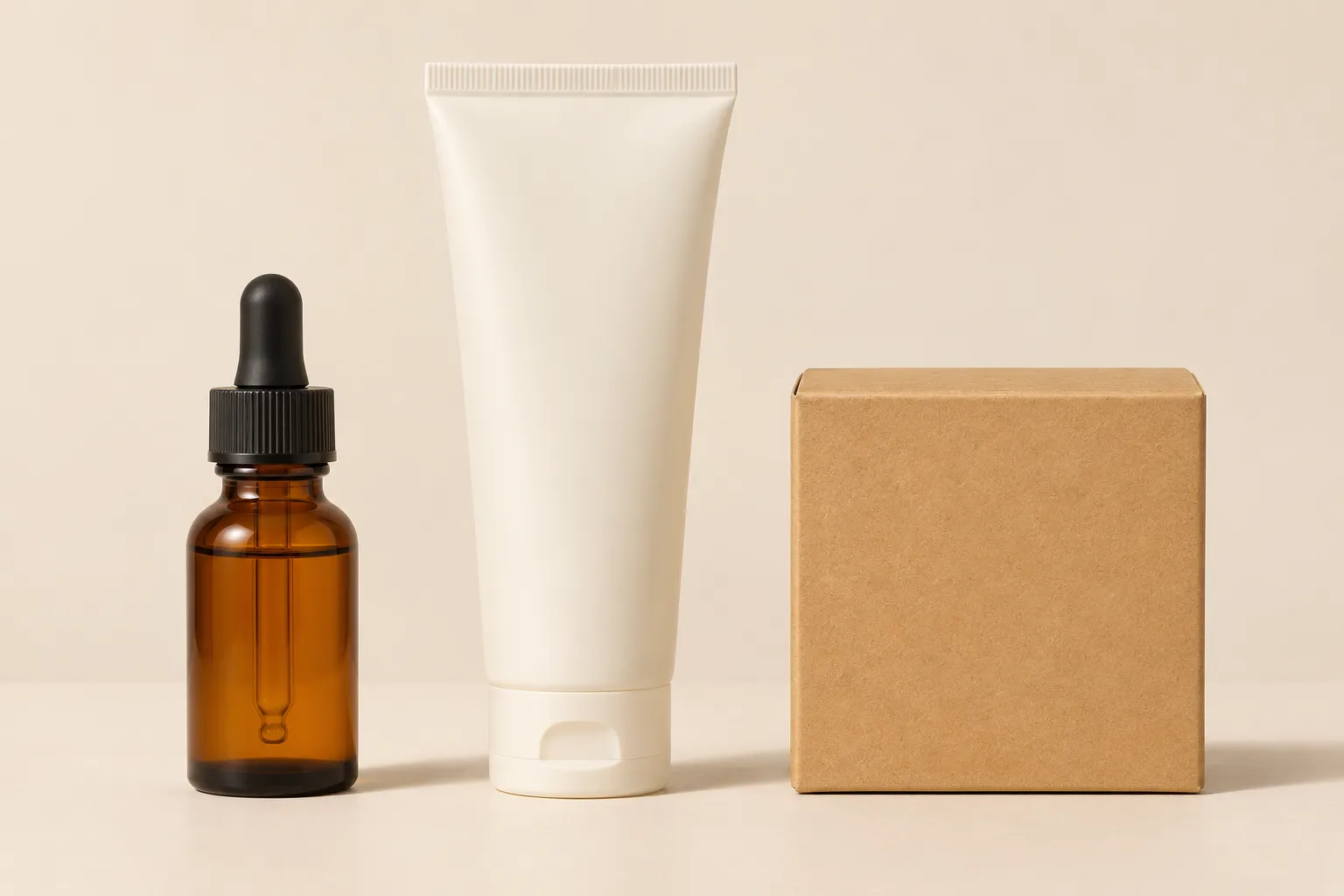
Nano Banana 2.1 Product Bundles: Combine Items Clearly
Build a Nano Banana 2.1 product bundle concept from references. Check item count, packaging details, relative scale, and overlap before using the image.
Read More
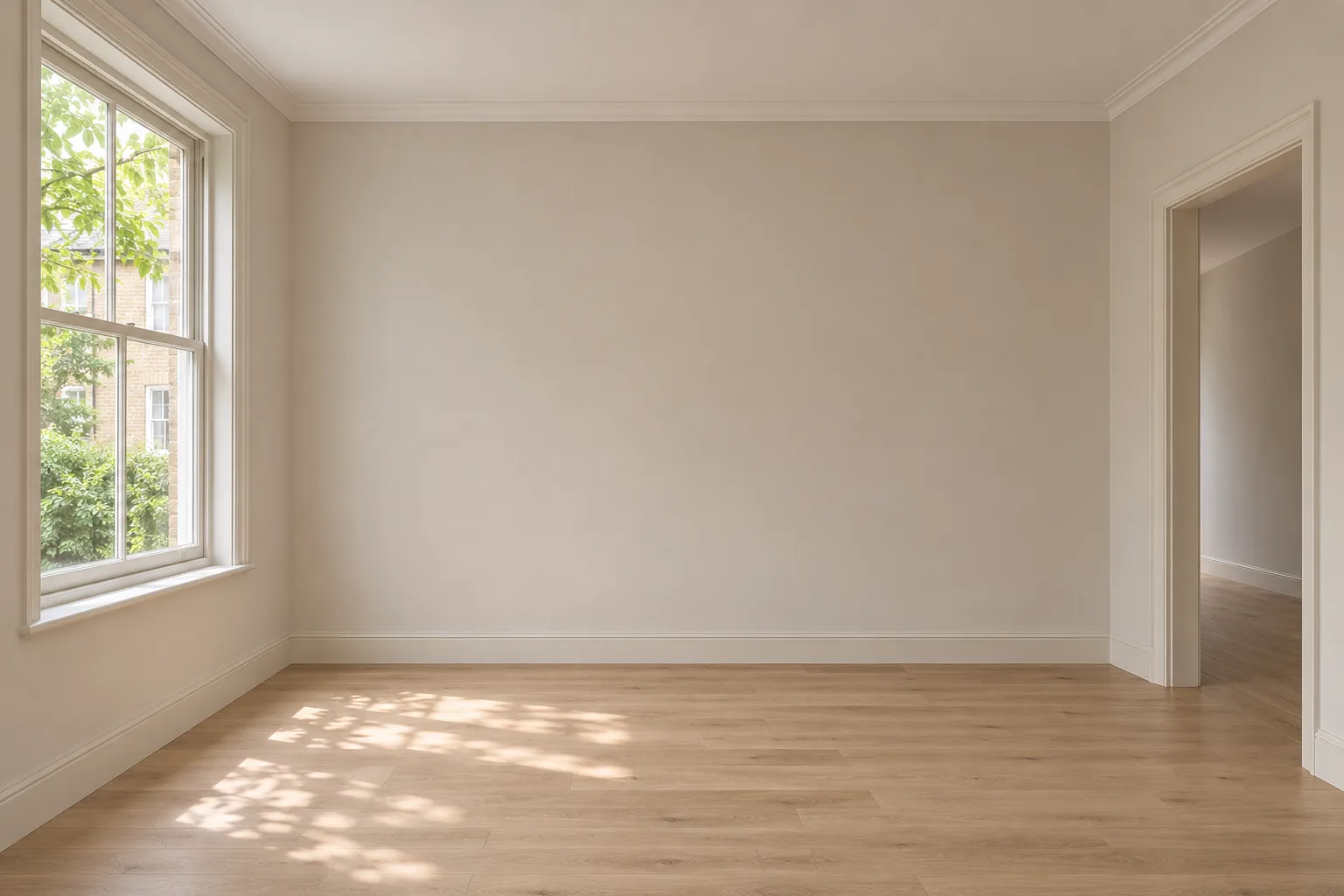
Nano Banana 2.1 Virtual Staging: Furnish an Empty Room
Plan virtual staging with Nano Banana 2.1. Preserve room structure, place a few furniture pieces, and check perspective, floor contact, and clear routes.
Read More
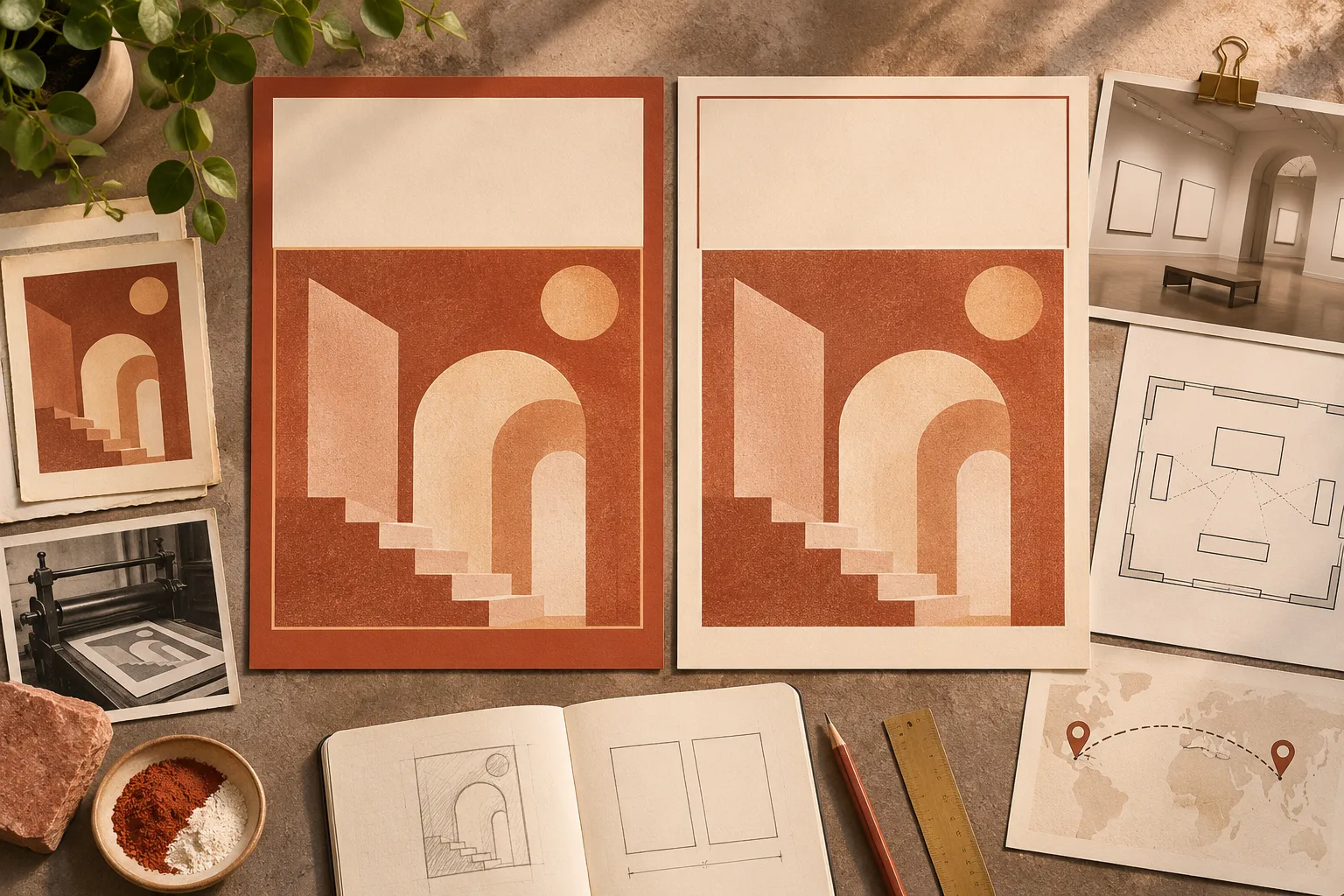
Localize a Poster with Nano Banana 2.1
Adapt an existing poster with approved translations. Plan what to replace and keep, fit longer copy, and check the result before export.
Read More

How to Remove Objects with Nano Banana 2.1
Remove an object with Nano Banana 2.1. Describe the missing surface, preserve nearby details, and check seams, grain, shadows, and reflections.
Read More
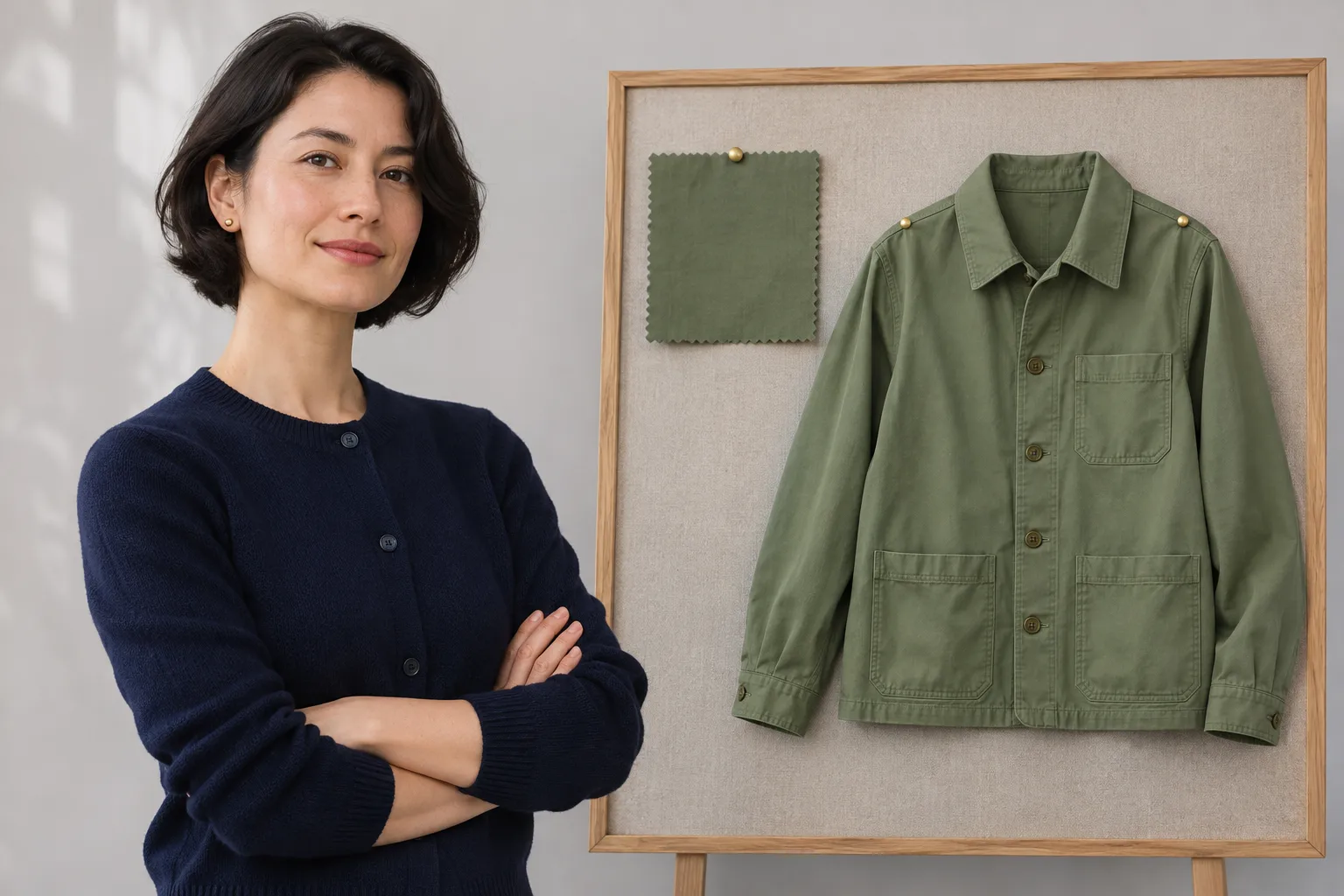
Nano Banana 2.1 Outfit Change: Keep the Same Portrait
Change a jacket in a Nano Banana 2.1 portrait. Use separate references, preserve face and pose, and check hands, hair, and overlapping accessories.
Read More
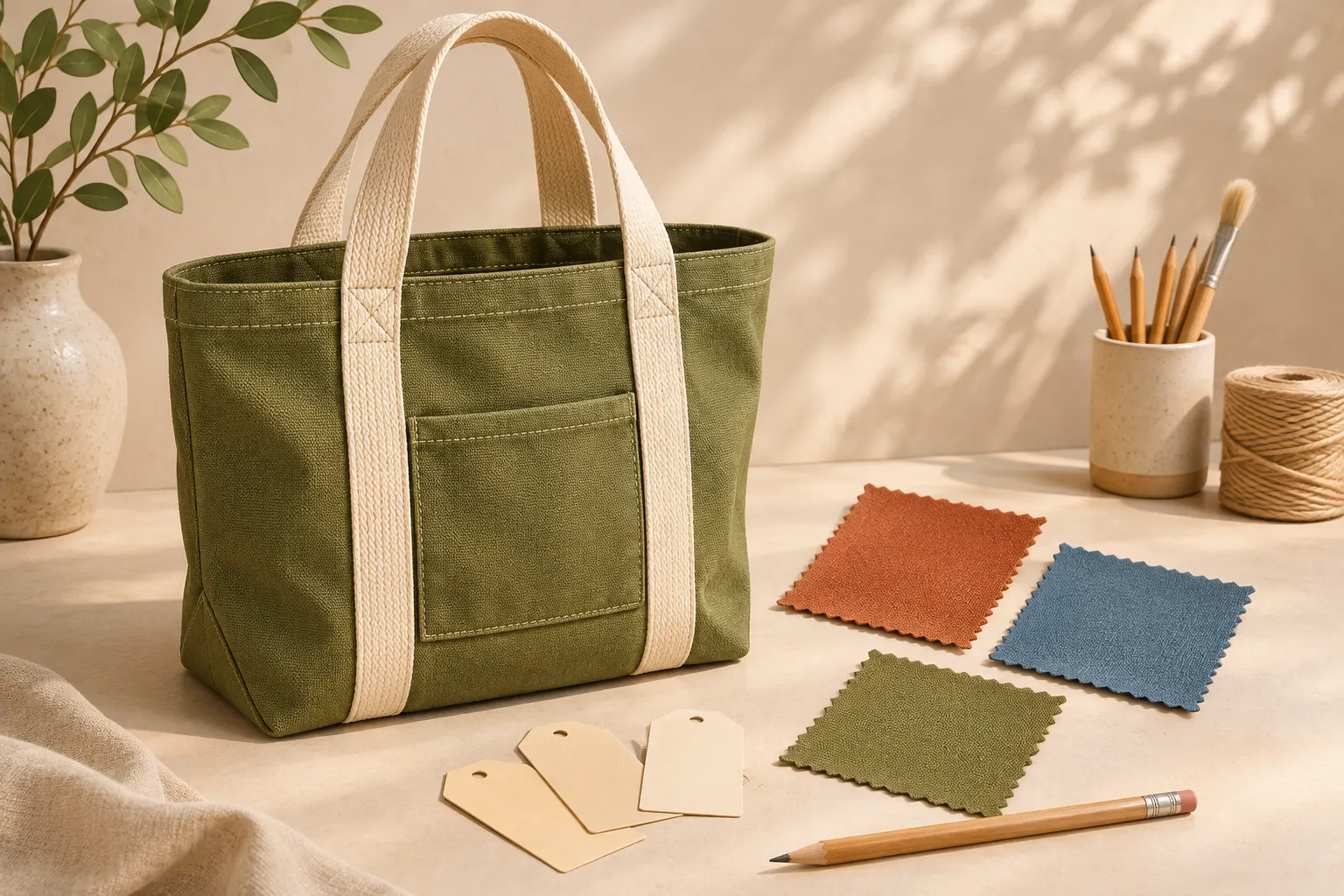
Nano Banana 2.1 Product Recoloring: Keep Texture and Shape
Plan a Nano Banana 2.1 product recolor with clear surface rules. Preserve texture and trim, review color candidates, and check what is ready for customer use.
Read More
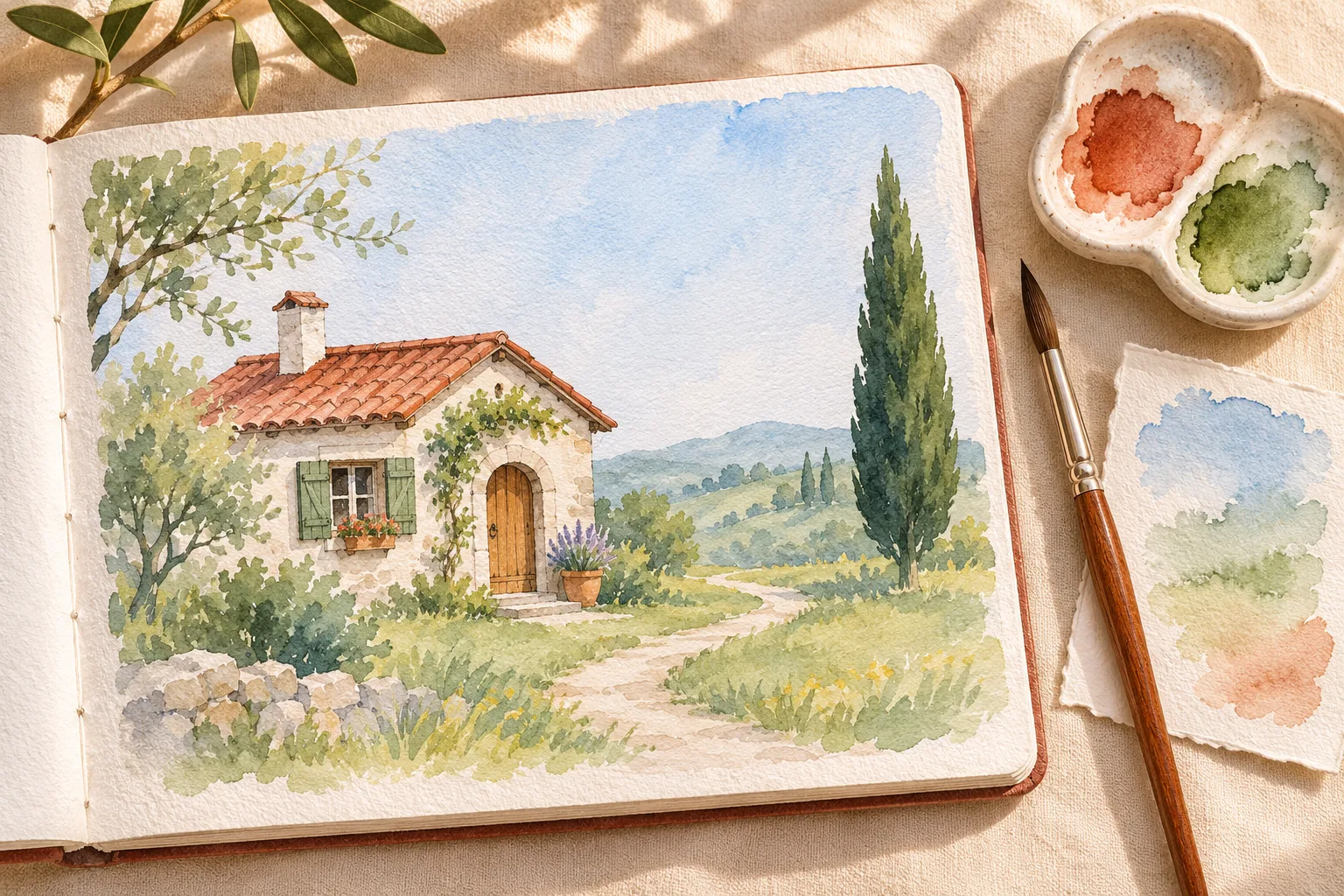
Nano Banana 2.1 Photo to Watercolor: Prompts and Checks
Turn a photo into watercolor with Nano Banana 2.1. Plan composition anchors, describe washes and edges, check subject details, and prepare the final artwork.
Read More
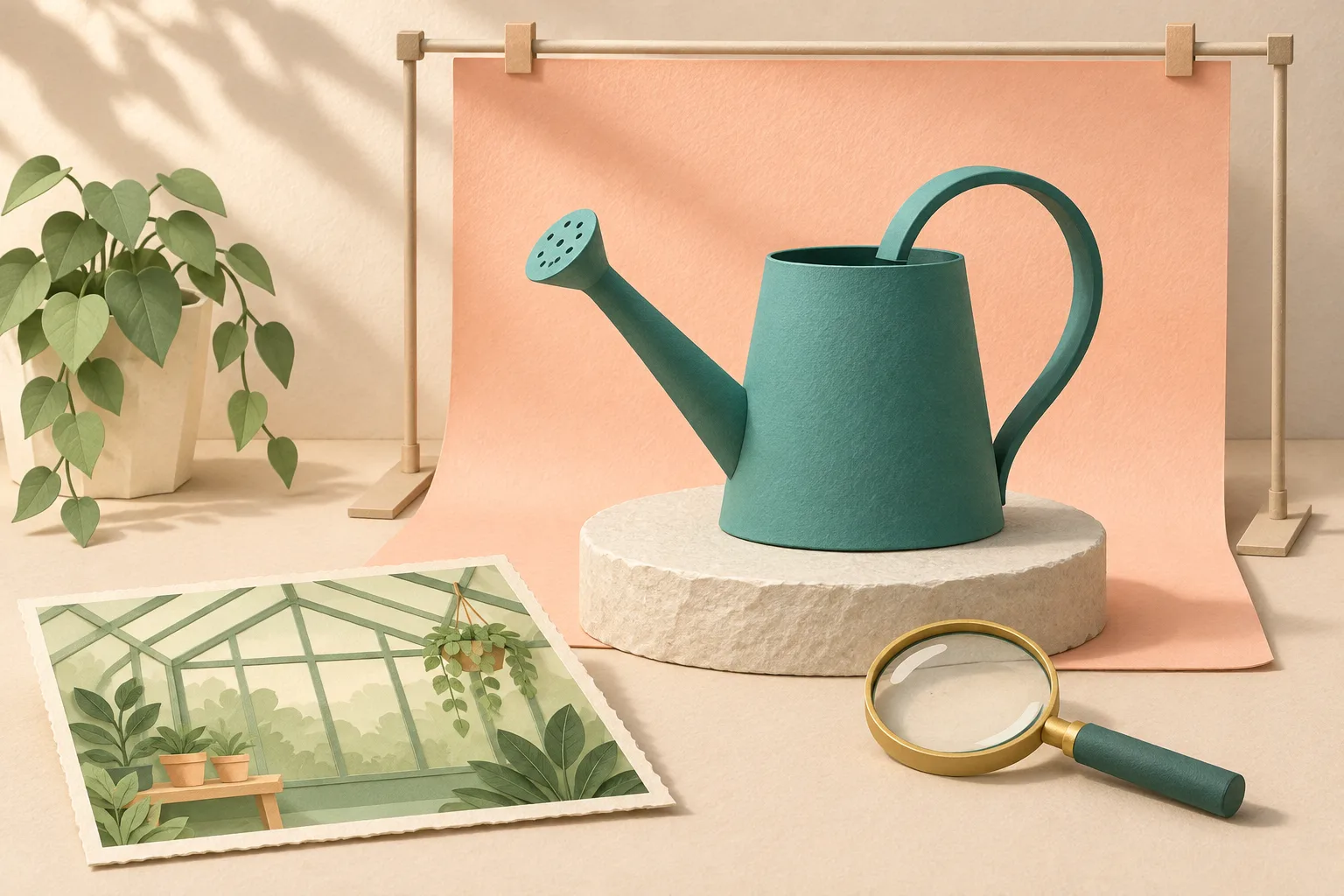
Nano Banana 2.1 Background Replacement: Keep Subject Details
Replace a background with Nano Banana 2.1 while checking subject shape, edges, shadows, and detail. Choose a new scene or cutout and plan focused revisions.
Read More
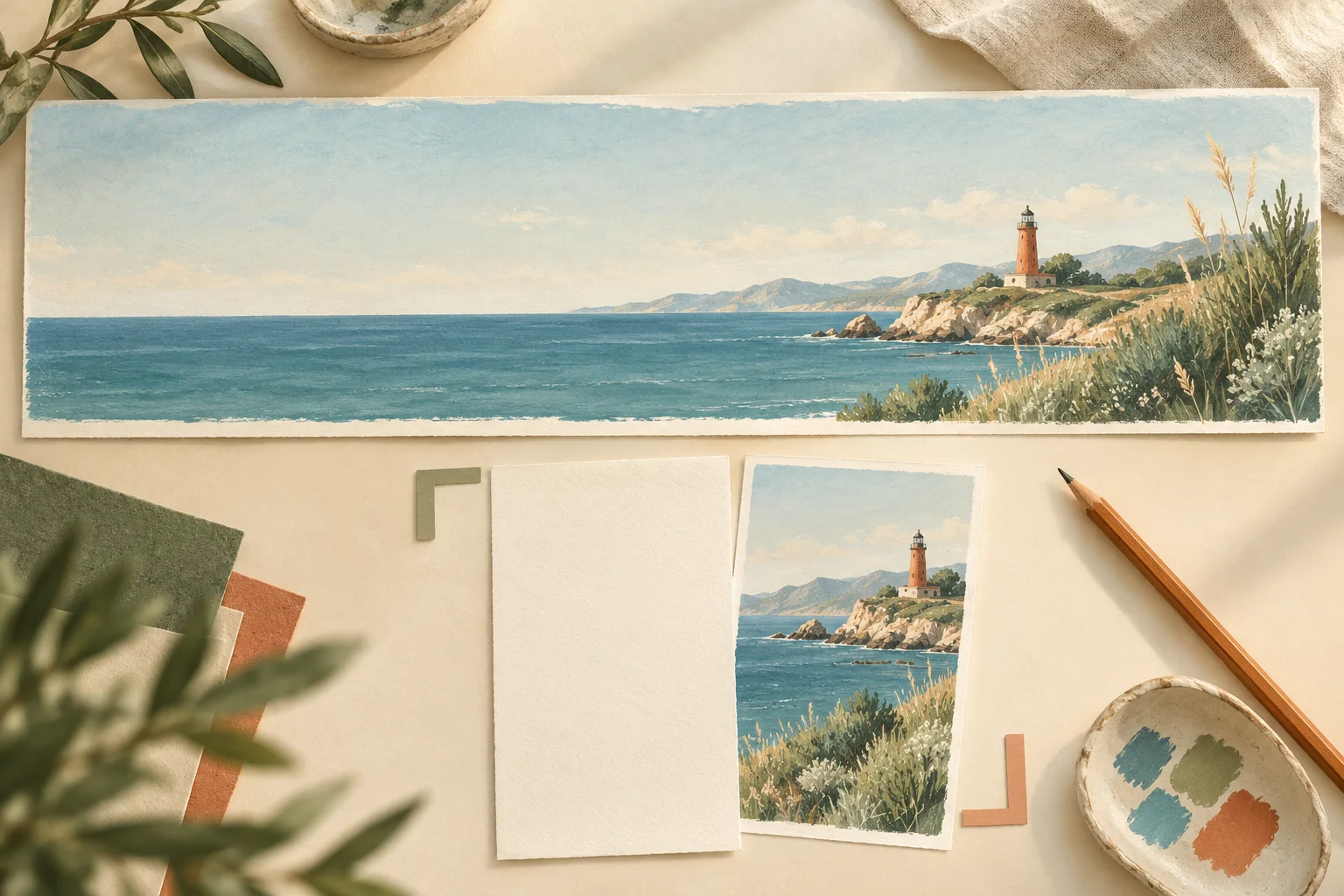
Nano Banana 2.1 Wide Banners: Plan, Generate, and Crop
Create Nano Banana 2.1 wide banners with 4:1 and 8:1 layouts. Plan text space, inspect panoramic artifacts, check pixel dimensions, and test mobile crops.
Read More
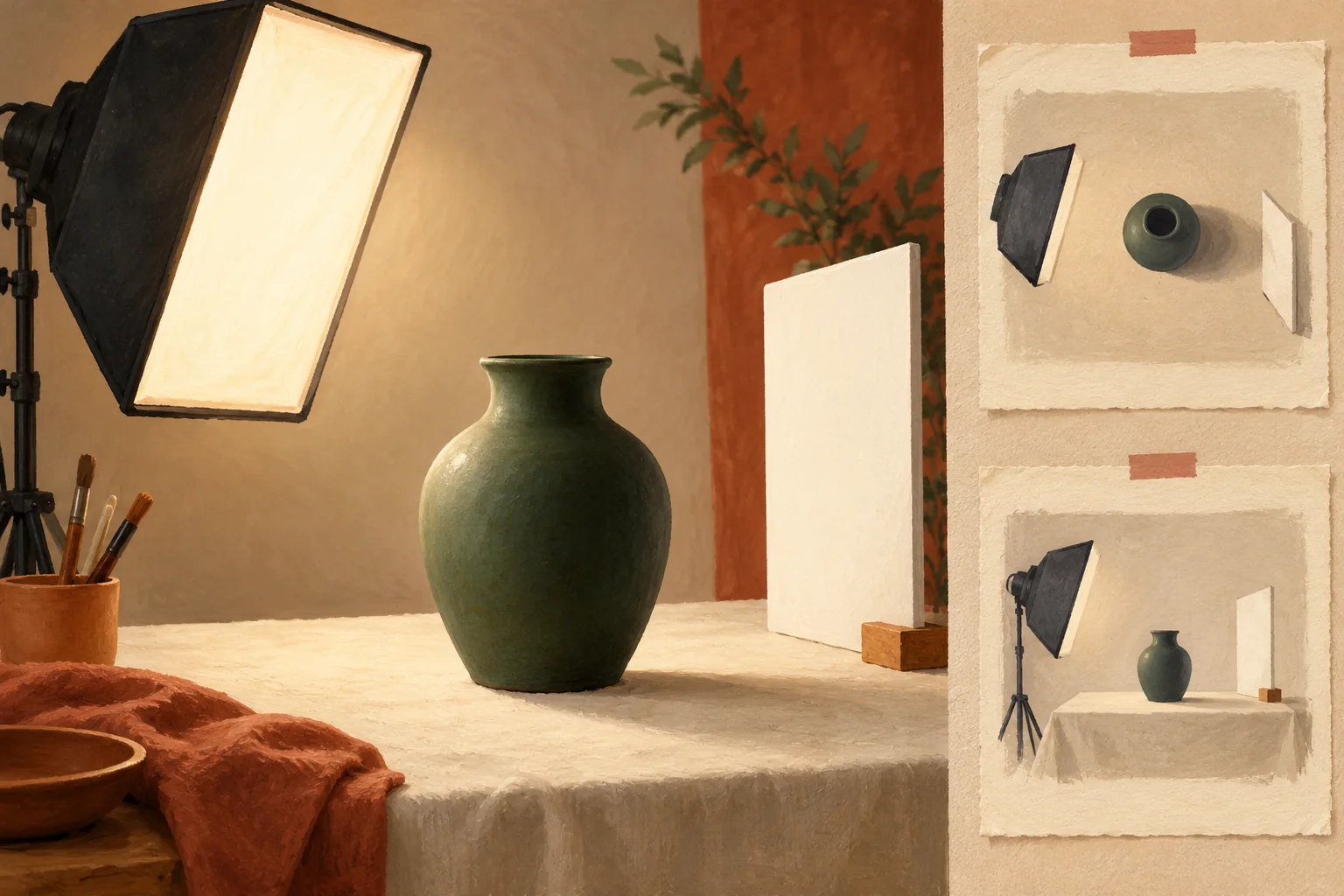
Nano Banana 2.1 Photo Relighting: Prompts and Checks
Relight photos with Nano Banana 2.1: define light direction, preserve your subject, check shadows and reflections, and budget for focused revisions.
Read More
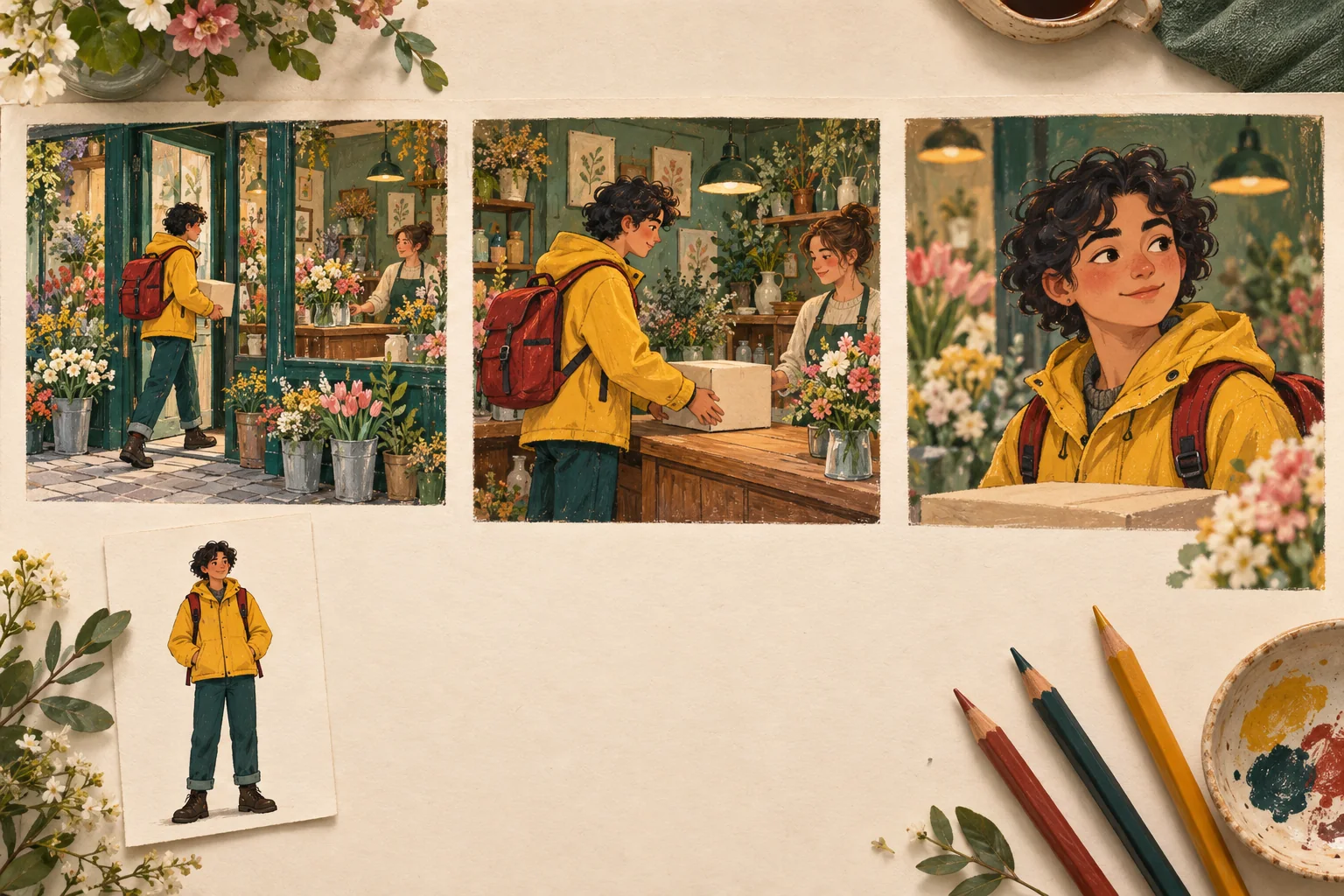
Nano Banana 2.1 Storyboards: Keep a Character Consistent
Plan a Nano Banana 2.1 storyboard with character references, shot prompts, continuity checks, and a retry budget. Build a coherent three-frame sequence.
Read More

Nano Banana 2.1 Infographics: From Brief to Checked Visual
Create Nano Banana 2.1 infographics from a verified brief. Plan layouts, check labels, numbers and arrows, budget retries, and know when to use a chart tool.
Read More
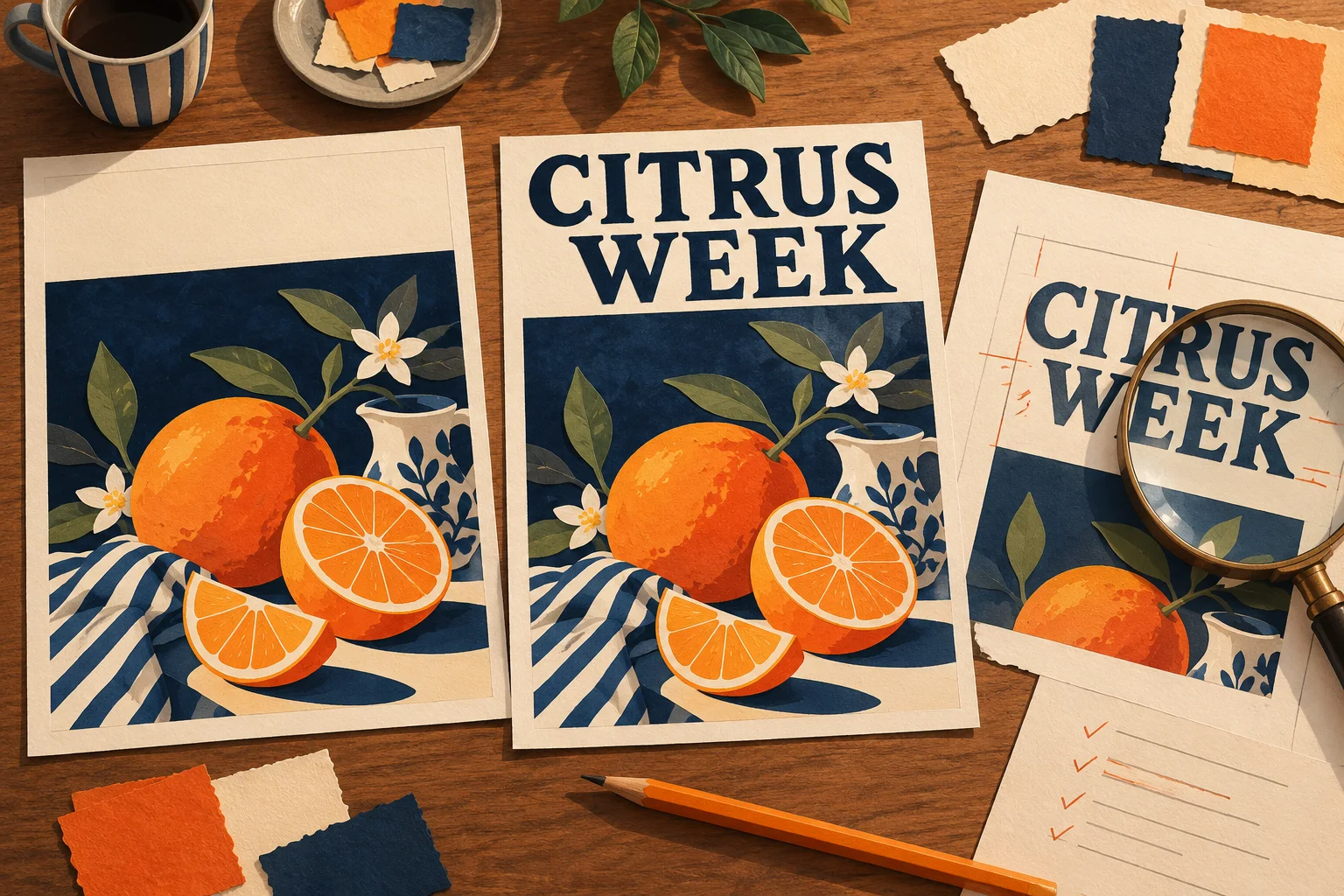
Nano Banana 2.1 Posters: Write, Place, and Check Your Text
Make a Nano Banana 2.1 poster with a clear copy deck, layout prompt, resolution choice, proofreading checklist, and a fallback for precise typography.
Read More
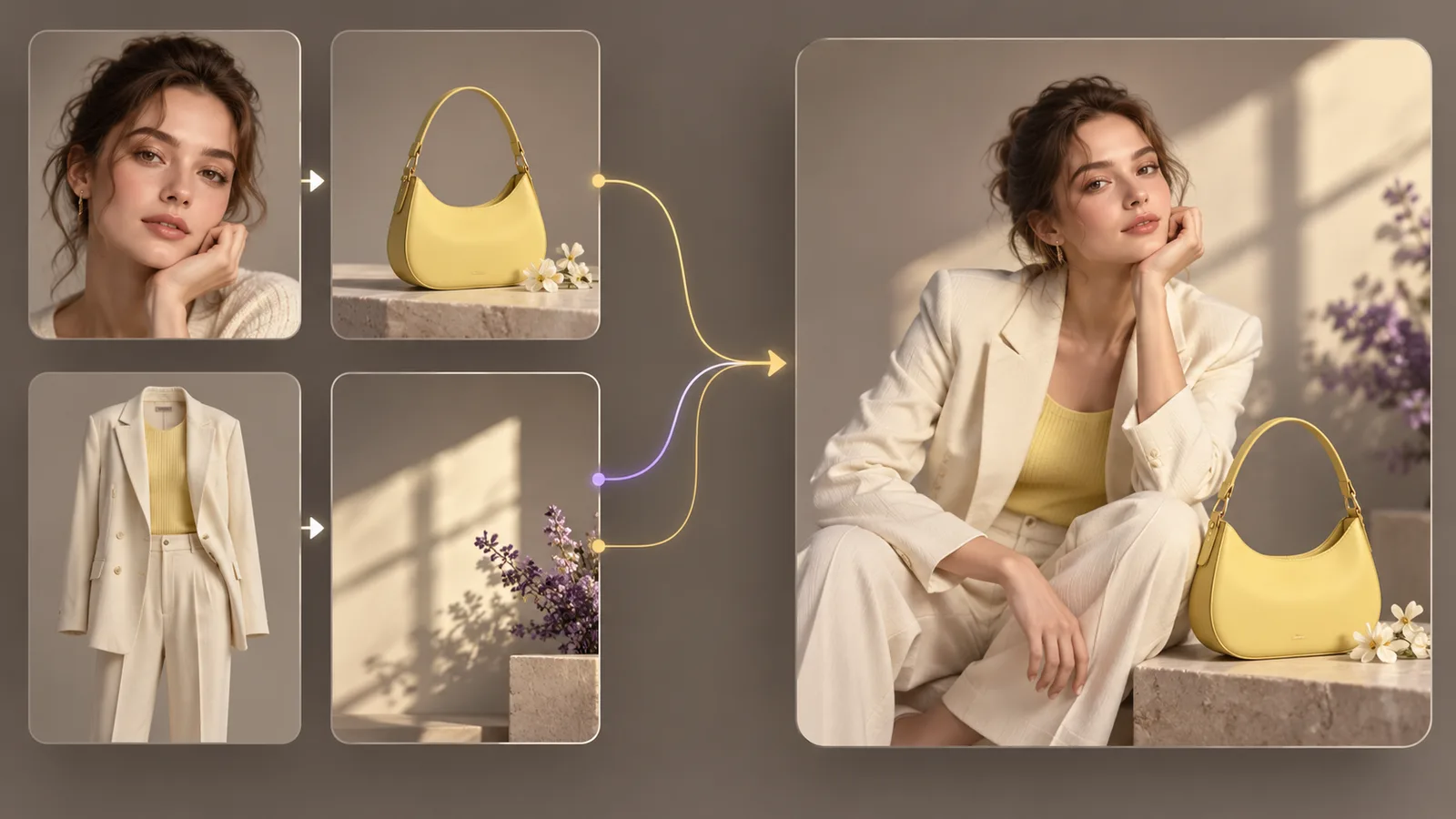
Nano Banana 2.1 Reference Images: Preserve Faces and Products
Assign clear roles to Nano Banana 2.1 reference images, preserve faces and products, avoid conflicting inputs, and build a repeatable multi-reference workflow.
Read More
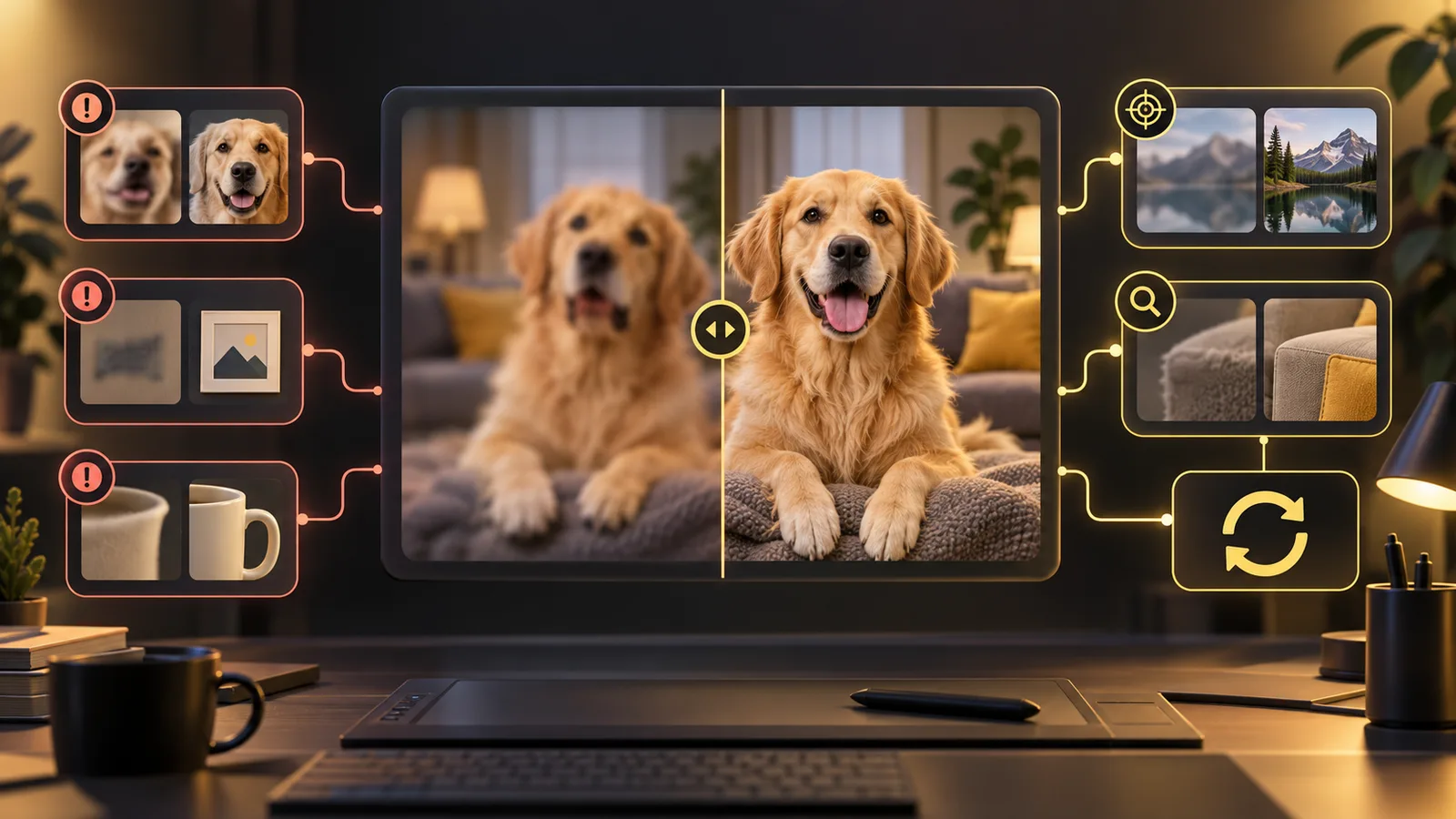
Nano Banana 2.1 Troubleshooting: Fix Common Problems
Diagnose common Nano Banana 2.1 problems with focused fixes for ignored instructions, weak reference matching, changed faces, bad text, uploads, and failed tasks.
Read More
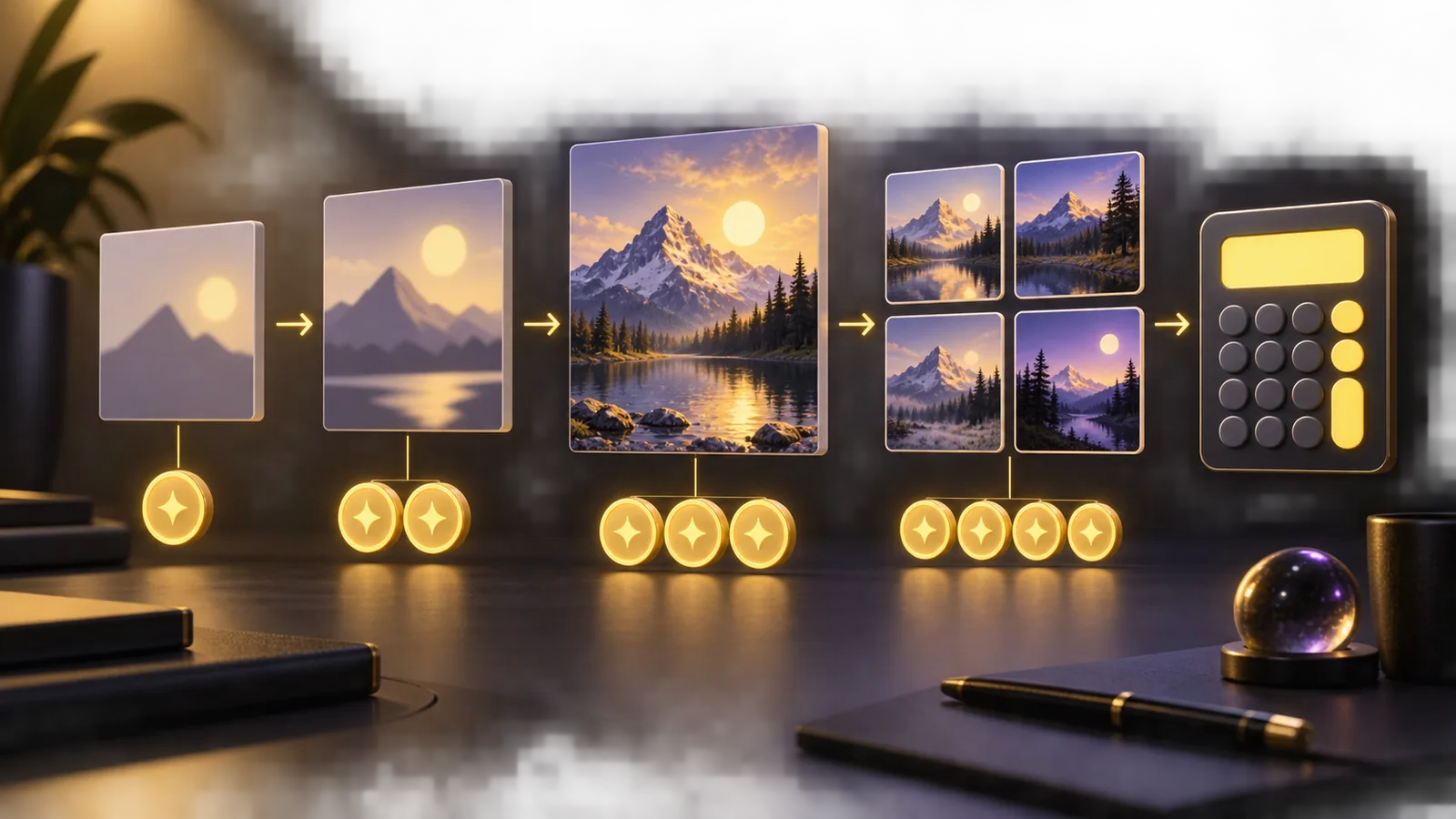
Nano Banana 2.1 Pricing: 1K, 2K, 4K, and Batch Costs
Calculate Nano Banana 2.1 credit usage on nanobanana21.net, compare 1K, 2K, and 4K, and budget for batches and retries without misleading per-image claims.
Read More
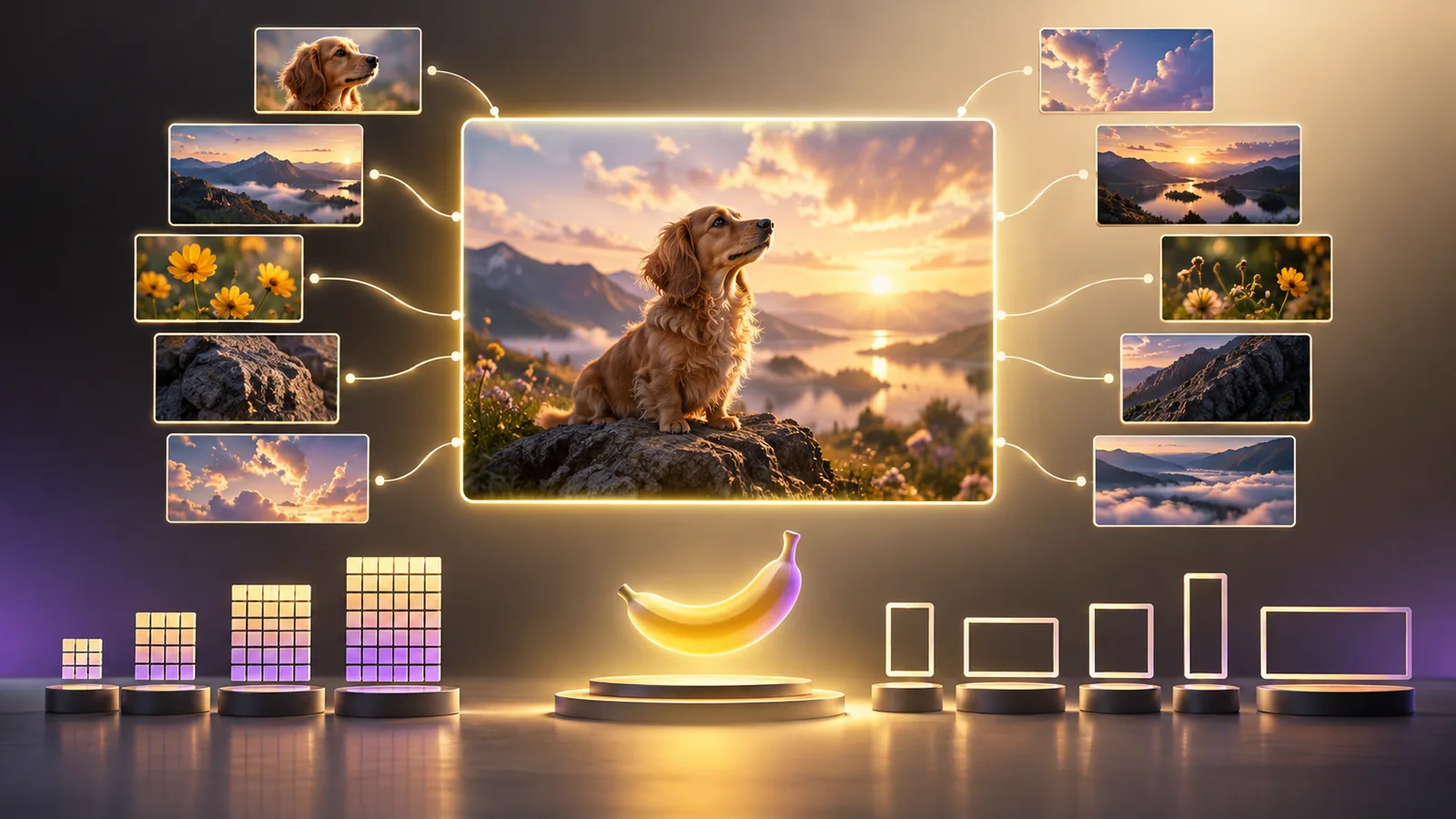
Nano Banana 2.1 Specs: Resolution, References, and Limits
A dated, site-specific guide to Nano Banana 2.1 resolution, reference-image limits, aspect ratios, formats, batch size, prompt length, and credit costs.
Read More
Nano Banana 2.1 vs Nano Banana 2: What Changes, and Should You Switch?
Compare Nano Banana 2.1 and Nano Banana 2 by documented improvements, API output costs, editing tasks, and a practical checklist for deciding whether to switch.
Read More
Nano Banana 2.1 vs GPT Image: Which Fits Your Image Workflow?
Compare Nano Banana 2.1 with the GPT Image family, understand version differences, and choose a workflow using reference needs, editing goals, and actual costs.
Read More
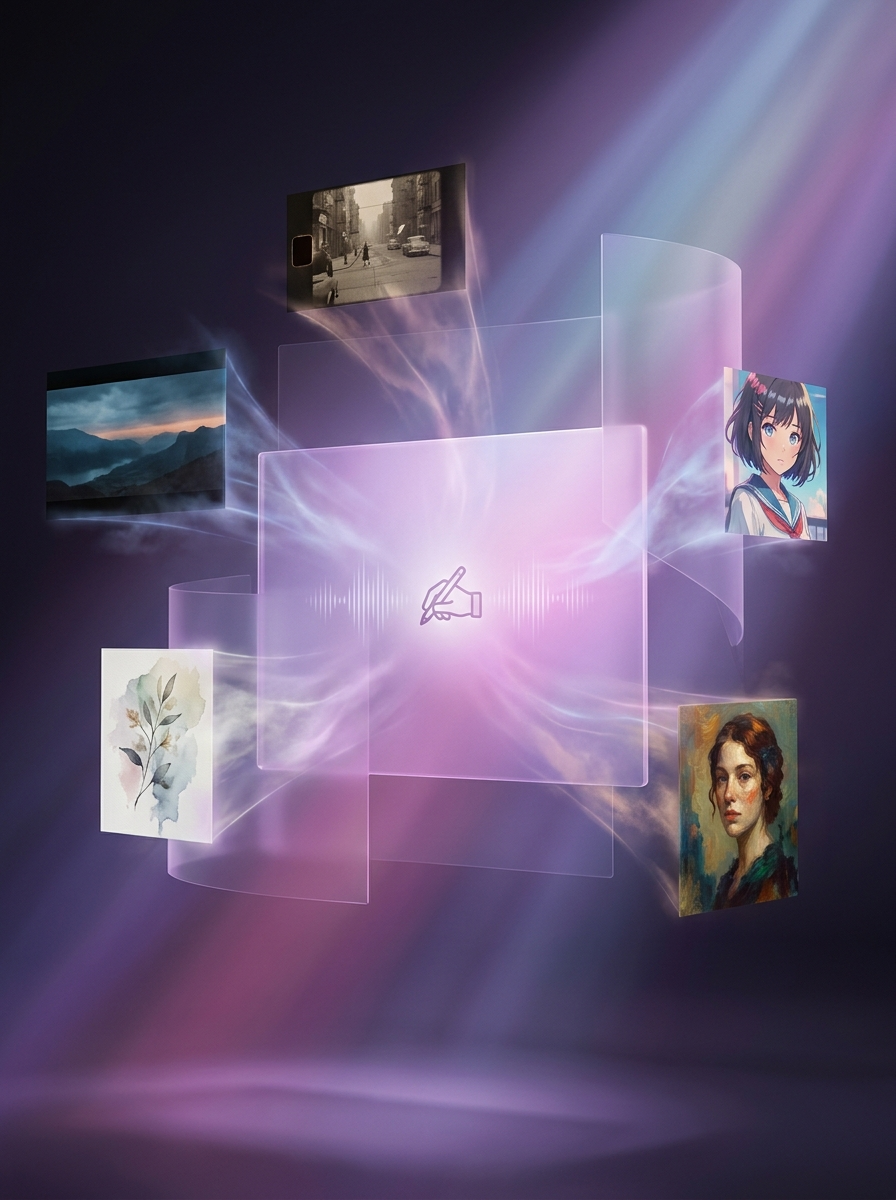
Text-to-Image vs Image-to-Image: Which Nano Banana 2.1 Workflow Should You Use?
Compare text-to-image and image-to-image by input, control, best use cases, limitations, and practical examples so you can choose the right Nano Banana 2.1 workflow.
Read More
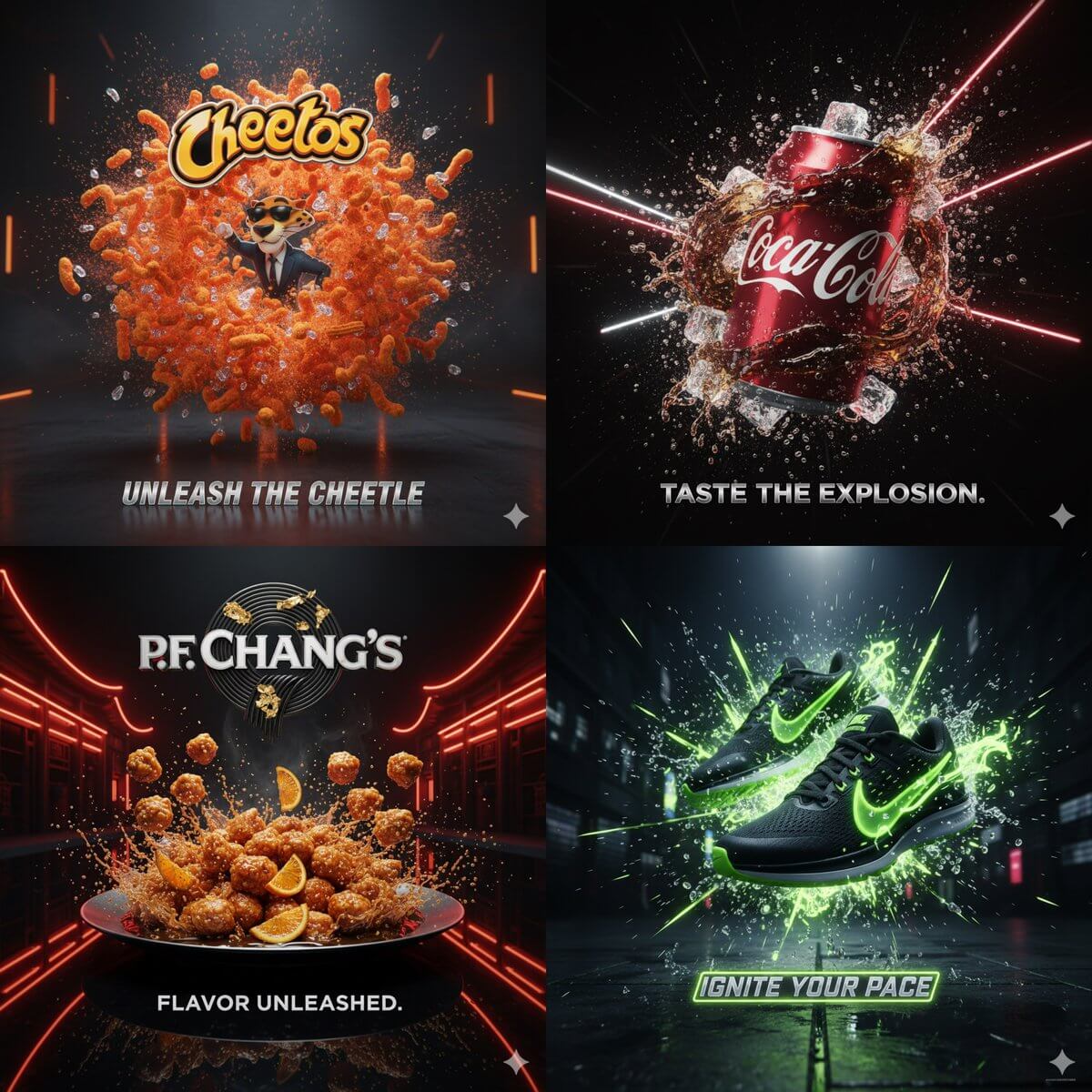
Nano Banana 2.1 Prompt Guide: Templates for Better Image Results
Use a clear prompt structure for Nano Banana 2.1, with reusable templates for product images, portraits, posters, social graphics, and focused photo edits.
Read More
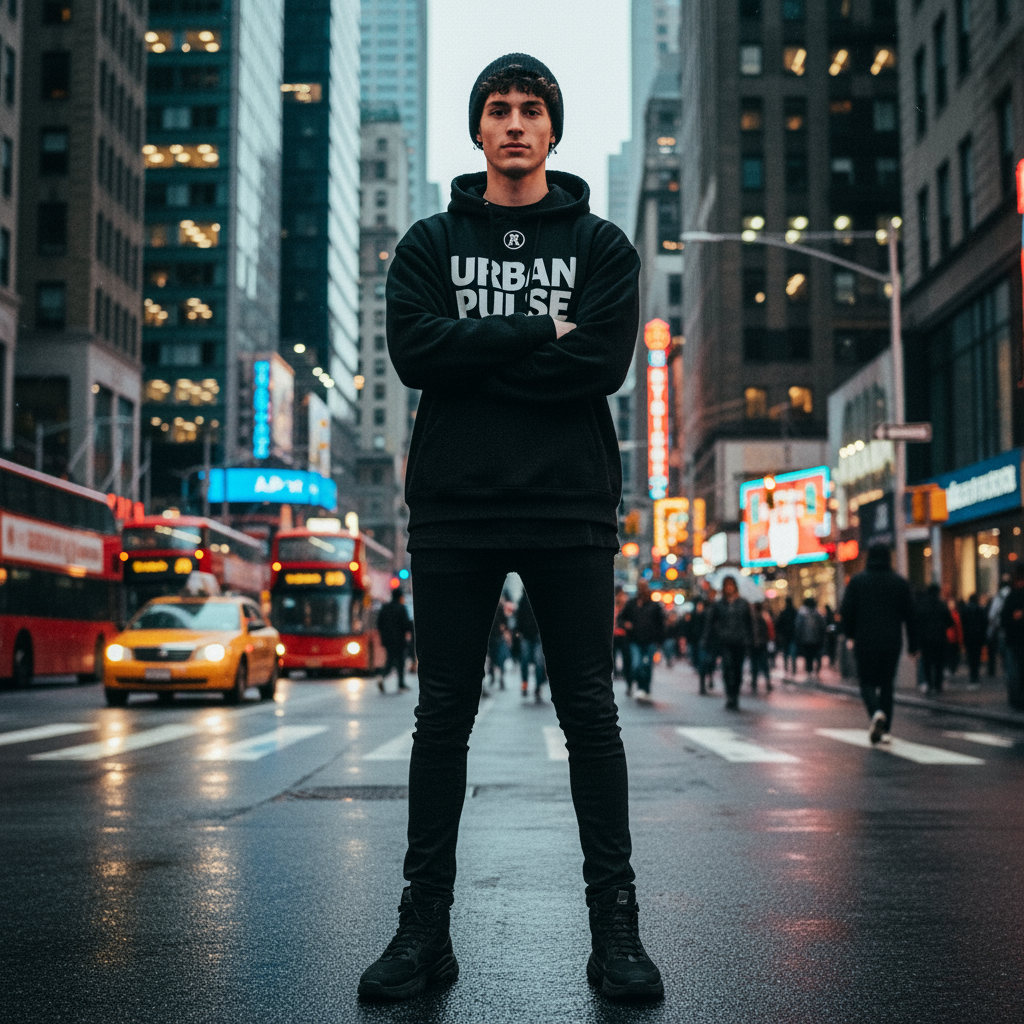
Nano Banana 2.1 Product Photography Guide for Ecommerce Images
A practical workflow for turning a product photo into clean packshots, lifestyle scenes, campaign variations, transparent PNGs, and larger ecommerce assets.
Read More

How to Use Nano Banana 2.1: A Practical Image Generation Guide
Learn how to create and edit images with Nano Banana 2.1, choose the right workflow and settings, write clearer prompts, and review results before download.
Read More