

Nano Banana 2.1 Professional Headshots: Keep Your Likeness
To create a professional headshot with Nano Banana 2.1, start from a recent, clear photograph of yourself and request a restrained edit. Keep facial structure, age, skin tone, and distinguishing details unchanged while simplifying the background and light. Approve the likeness before choosing the most polished version.
Open Nano Banana 2.1 Image-to-Image for an existing portrait. This guide is for profile photos and team biographies: a recognizable head-and-shoulders image that still looks right inside a small circular avatar. It does not require a dramatic makeover.
Choose a reference that already looks like you
Use a recent photo with a visible face, sharp eyes, and reasonably even light. A straightforward view is easier to assess than a strongly tilted selfie. Avoid starting with a beauty filter if your aim is a realistic professional portrait: the editor cannot reliably recover details that the source has removed.
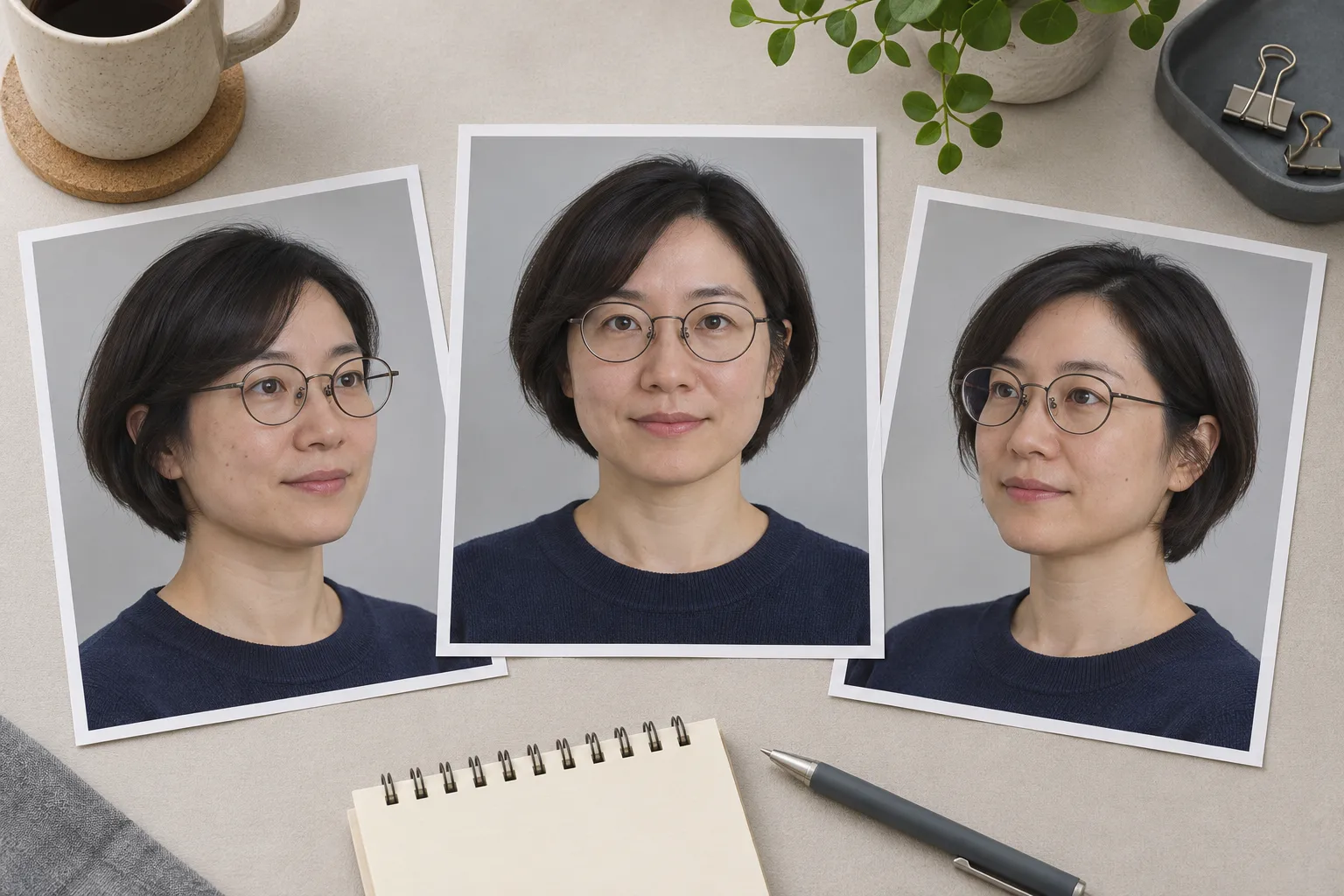
Independent concept illustration of a fictional adult; not source photos from a Nano Banana 2.1 test.
Begin with one clear anchor photo. Add another reference only when it resolves a specific uncertainty, such as the shape of glasses or a partly hidden hairstyle. Several photos with different ages or heavy filters can give conflicting instructions. The reference image guide explains how to give each input a role.
Write a short keep list before generating. For example: round glasses, short bob, natural smile, visible freckles, current hairline. Use your own portrait or a photo you have permission to edit. For a team biography, let the person approve the selected image.
Describe the setting without redesigning the face
In the editor, choose Nano Banana 2.1 and Image-to-Image, upload the portrait, and select 1:1 for a square profile image. Sign in to generate and review the displayed credit cost for the selected settings. A square output still needs a crop check at its destination.
Keep the first request narrow. Ask for a plain background, a comfortable head-and-shoulders crop, and soft light. Retain the original clothing if it already suits the intended profile. Changing hair, expression, clothes, camera angle, and lighting together makes it harder to identify why likeness drifted.

Independent portrait concept showing framing and natural texture; not a generated result from this workflow or a matched comparison.
Edit this portrait into a simple professional profile photo. Preserve the person's facial proportions, apparent age, skin tone, hairline, hairstyle, glasses, and natural expression. Keep the existing navy top. Use a plain warm gray background and soft, even light. Frame the head and shoulders with room above the hair and beside the shoulders for a circular crop. Keep natural skin texture and distinctive features. Do not reshape the face, enlarge the eyes, change the smile, or add accessories.
Replace the clothing and distinguishing details with those in your own reference. The keep list expresses your requirements; it is not an identity lock. Google's Nano Banana 2.1 model card includes single-character consistency in its editing evaluations and also warns that character consistency between input and output is not always perfect.
If only the light needs work, use the photo relighting guide. If the original portrait is already good, a focused background replacement may be enough.
Review likeness before polish
Compare the candidate with the original at a useful viewing size. Look at eye spacing, eyelids, nose, jaw, hairline, glasses, and the shape of the smile. Then check skin tone and apparent age. Attractive lighting does not compensate for a face that belongs to someone else.
| What changed | What to do next |
|---|---|
| The face looks slimmer or younger | Return to the source and reduce the request to background and light |
| Glasses or hair details changed | Name the exact feature to preserve; use a clearer reference if necessary |
| Skin looks waxy | Ask to retain natural texture and remove beauty-retouching language |
| The smile or teeth look unfamiliar | Preserve the original expression instead of asking for a bigger smile |
| The portrait still drifts after a focused retry | Use the original photo with conventional crop, exposure, and background edits |
Keep the source file alongside the candidate. A fresh attempt from the source can make the comparison easier than repeatedly editing an already altered face. Do not select a portrait solely because it looks more glamorous. For a personal or team profile, recognition is part of the deliverable.
Check the avatar where it will appear
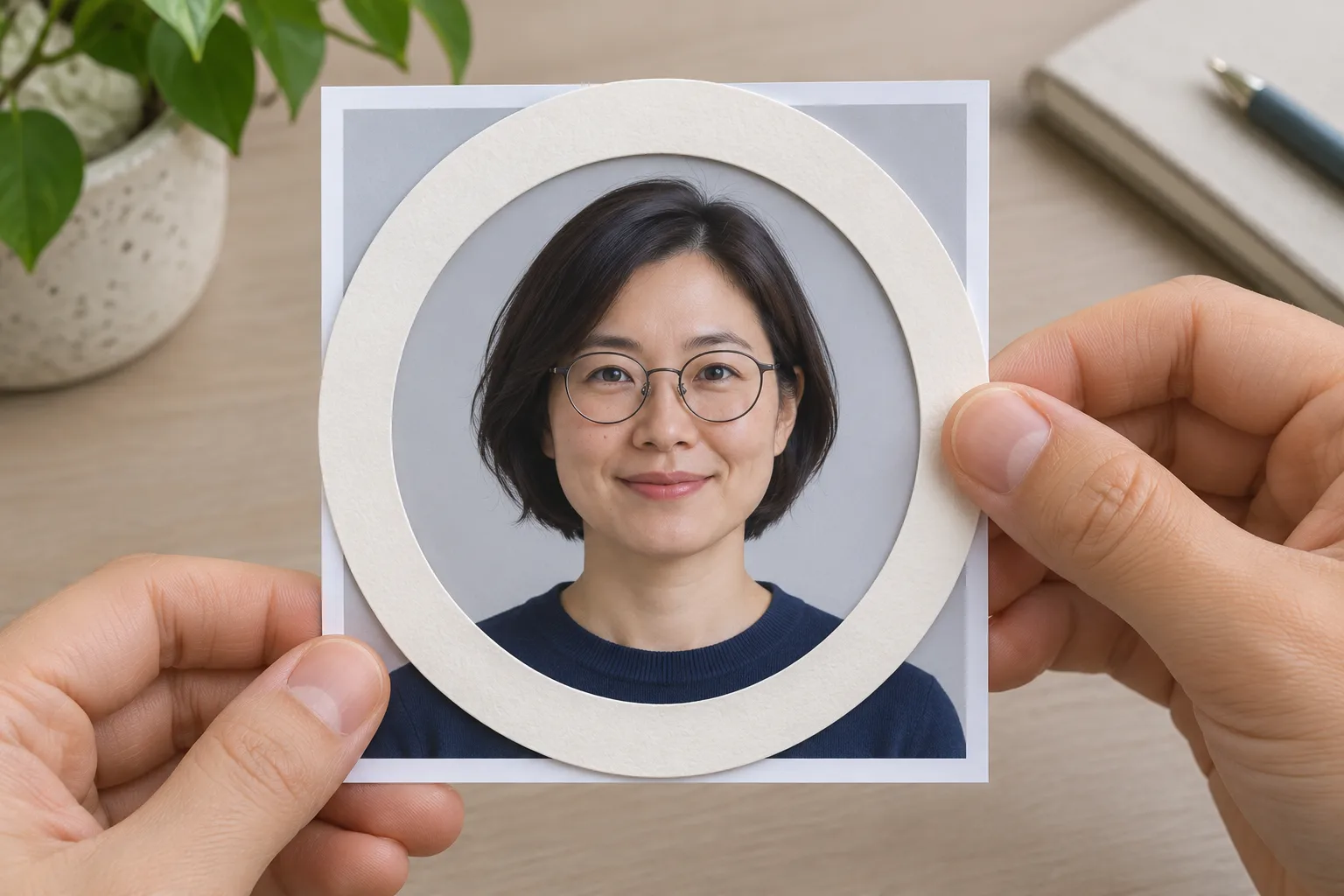
Independent concept illustration of a crop check; not a real application interface or model test.
Preview a square and circular crop using an ordinary image editor or the destination's profile preview. Keep the entire face and enough hair inside the circle. Avoid placing the eyes or glasses against the crop edge. At the small size used in a comment or team card, the expression should remain readable and the background should not compete with the face.
Inspect the larger file for broken glasses arms, hair merging into the background, unusual ears, and clothing seams. Then look at the small preview again: large-file sharpness alone does not make a useful avatar. Keep a master with comfortable margins and export a separate crop for each destination, following that service's current upload requirements.
Save the original, the approved master, and the final crop. Ask the person pictured to approve both likeness and presentation before using it in their biography. If the source already gives a good impression, small conventional adjustments may be the quickest route to a trustworthy headshot.
Documentation and editor checked November 22, 2026. The three illustrations are independently generated concepts of fictional adults, not Nano Banana 2.1 test outputs.