

Nano Banana 2.1 Troubleshooting: Fix Common Problems
When a Nano Banana 2.1 result is wrong, change one high-impact variable before generating again. Shorten competing instructions, identify the role of each reference, state what must stay unchanged, and test the correction with one 1K output. Higher resolution and larger batches do not fix a confused brief.
Open the Nano Banana 2.1 editor
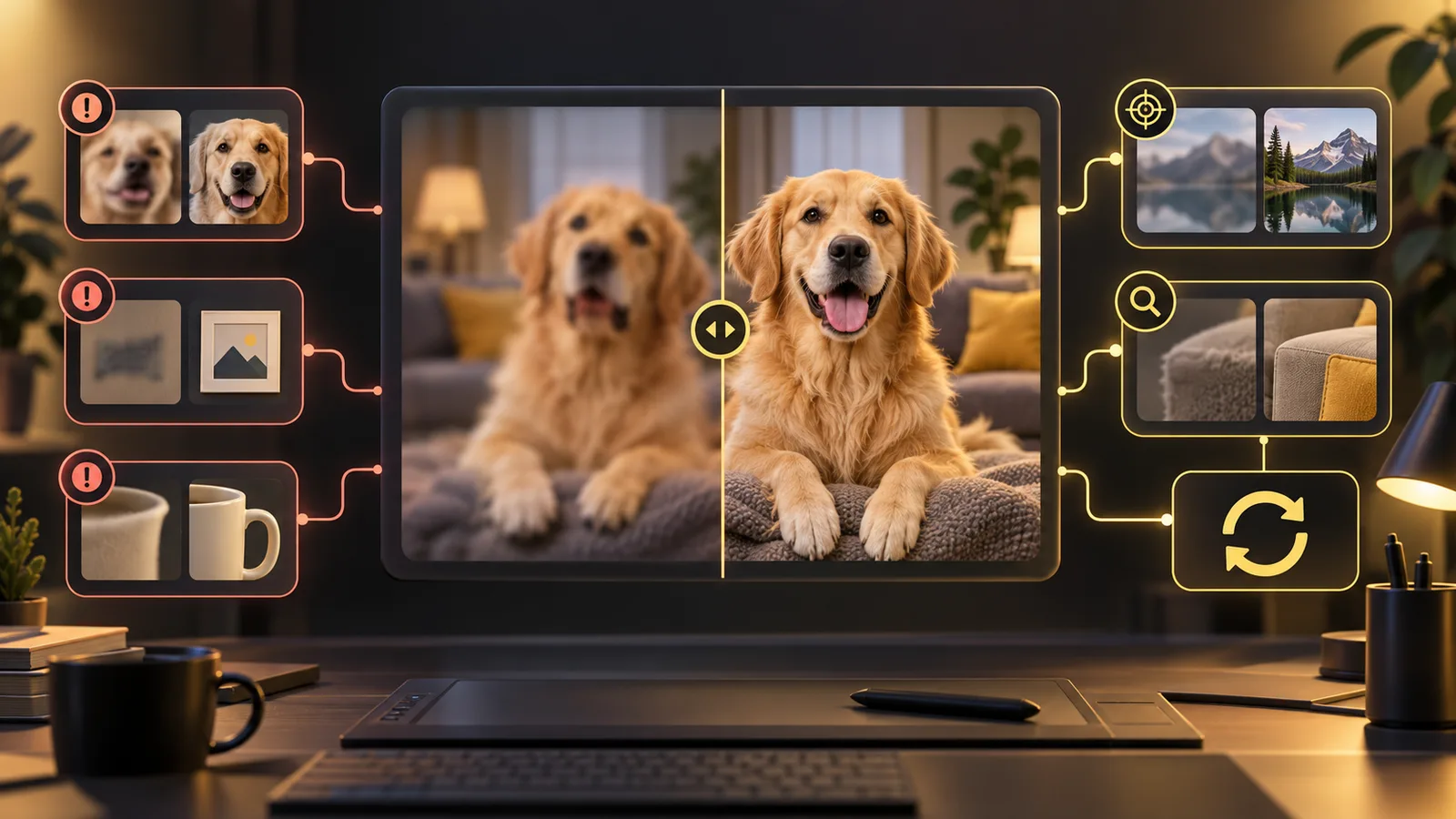
Fast diagnosis table
| Problem | Likely cause | First fix |
|---|---|---|
| Part of the prompt is ignored | Too many equal-priority instructions | Put one objective first and remove optional detail |
| Face or product changes | Weak or conflicting references | Use a clearer anchor and list protected features |
| A reference seems ignored | Its role is unclear | Label each reference by purpose in the prompt |
| Text is misspelled | Copy is long or layout is crowded | Shorten the text, quote it, and leave space |
| Wrong object count | Complex scene or ambiguous grouping | State the count and position of each object |
| Image looks soft | Source is weak or resolution is too low | Improve the source; review at 2K after composition works |
| Upload is rejected | Unsupported type, size, or URL | Use JPEG, PNG, or WebP under 30 MB |
| Task stays processing | Queue, callback, or status delay | Wait and check history before submitting again |
| Task fails | Provider, moderation, input, or service error | Read the error, change only the indicated issue, retry once |
The prompt is partly ignored
Long prompts are allowed, but length is not the same as clarity. A prompt can fit within 20,000 characters and still contain competing directions.
Rewrite it in this order:
- State the final deliverable.
- Describe the main subject and action.
- Give composition and camera direction.
- State the permitted change.
- State the details that must remain unchanged.
- Add style and secondary detail last.
Instead of:
Make this dramatic, minimal, colorful, realistic, editorial, vintage, futuristic, soft, high contrast, and keep everything the same.
Use:
Create a realistic landscape product banner. Keep the bottle shape, green finish, front label, cap, and camera angle unchanged. Replace only the background with a dark studio and one warm spotlight. Leave empty space on the left for copy.
If the result still misses the background, remove the typography request and other optional details until the main edit works.
The face no longer looks like the reference
Use a sharp, front-facing anchor with even light and an unobstructed face. Avoid using several portraits with different ages, makeup, focal lengths, or hairstyles unless you explain which one controls identity.
Add a preservation line:
Use reference 1 as the identity anchor. Preserve facial structure, eye shape, nose, mouth, skin tone, hairstyle, and apparent age. Change only the clothing and background.
Google's current documentation says Nano Banana 2.1 supports character resemblance for up to four characters in one workflow. That is a capability limit, not a promise of perfect identity. Review sensitive portraits carefully and obtain permission to use the source image. See the official Nano Banana image generation guide.
The product shape, label, or logo changed
Models treat the entire image as generative material. They may redraw the part you wanted to preserve.
Use two references when useful:
- one complete product photo for overall geometry and angle;
- one close detail for the label, control panel, texture, or closure.
Then specify the role:
Reference 1 controls product shape, proportions, camera angle, and color. Reference 2 controls the label layout and cap detail. Keep both unchanged. Replace only the surface and background.
For mandatory packaging, legal copy, prices, or brand marks, use the generated scene as a draft and composite approved artwork afterward. Do not publish without comparing the output against the real product.
The output ignores one of several references
More inputs can create more ambiguity. Give each one a job and remove any image that does not contribute a necessary fact.
Use this map in the prompt:
- Reference 1: identity.
- Reference 2: outfit.
- Reference 3: product.
- Reference 4: composition only.
- Reference 5: lighting and palette only.
Do not say “combine these images” and expect the model to infer priority. Our reference-image guide shows a complete workflow.
Text is misspelled or rearranged
Nano Banana 2.1 improves text rendering, but generated lettering still requires inspection. To improve the odds:
- Keep the copy short.
- Put the exact words in quotation marks.
- Specify one text block and its location.
- Ask for a simple, high-contrast background behind the text.
- Avoid asking for multiple paragraphs inside one image.
Example:
Add the exact headline “SPRING STUDIO” in large uppercase sans-serif letters at the top center. No other text.
Check spelling, punctuation, prices, dates, and numbers at full size. Use a layout tool for any text that must be exact.
The object count is wrong
State both quantity and position:
Show exactly three ceramic cups: one blue cup on the left, one white cup in the center, and one yellow cup on the right. No additional cups.
Keep repeated-object scenes simple. If each object has several unique attributes, build the layout in stages or composite approved elements later.
The result is blurry or lacks detail
First decide whether the problem is composition or pixel size.
- If the subject itself is vague, improve the prompt or source reference.
- If the source is small or compressed, upload a clearer original.
- If the composition works but close review is difficult, move from 1K to 2K.
- Use 4K for an approved direction, not as the first troubleshooting step.
Upscaling can enlarge an accepted image, but it cannot restore a correct label or face that the generation never contained. The site's Image Upscaler is a separate post-processing tool.
Upload errors
For the Nano Banana 2.1 option on this site, use JPEG, PNG, or WebP references. Each upload must be no larger than 30 MB, and the current editor accepts up to 10 reference images.
If an upload fails:
- Export the image as JPEG or PNG.
- Remove unusual metadata by re-exporting it.
- Reduce the file below 30 MB.
- Upload fewer images to identify the problem file.
- Confirm that every remote reference URL is public and uses HTTPS.
A generation stays in progress
Do not submit the same job repeatedly. Leave the page open or return to generation history and check the existing task. A queued provider request can complete after the first status check.
If the task remains stuck beyond a reasonable processing window, record the task ID, selected model, resolution, submission time, and browser. Those details are more useful to support than the prompt alone.
A generation fails
Read the displayed error before changing anything. Common categories include an unsupported input, safety filtering, an expired or inaccessible reference URL, insufficient credits, or a temporary provider failure.
- For an input error, correct the file or setting.
- For a safety result, use permitted source material and a compliant prompt.
- For insufficient credits, lower the batch or resolution, or add credits.
- For a temporary service error, retry one time after checking the original task did not complete.
The site reserves generation credits when a task is created. A confirmed failure supports an automatic refund; a pending task or temporary status-check error does not. If account history and balance disagree, keep the task ID for review rather than creating many retries.
A controlled retry checklist
Before pressing Generate again, write down:
- What exactly is wrong?
- Which single instruction will you change?
- Which references will you keep or remove?
- What must remain unchanged?
- Can you test at 1K with one output?
This turns retries into a repeatable process. It also makes the real cost easier to measure; see the pricing and credits guide.
Frequently asked questions
Why did 4K not fix my image?
Resolution changes output size. It does not automatically correct identity, spelling, counts, or composition.
Should I use all 10 reference slots?
Only when each image contributes a necessary, non-conflicting role. Fewer clear references are often easier to control.
Why did a second click create another charge estimate?
Each submission can create a separate task. Check the first task's status before submitting again.
Can the model guarantee an exact face or logo?
No. Use strong references and preservation rules, then verify the output. Composite approved assets when exact identity or branding is required.
Last checked October 15, 2026. The interface and provider behavior may change; use the current editor message and task history when diagnosing a new request.