

Nano Banana 2.1 Product Bundles: Combine Items Clearly
To make a Nano Banana 2.1 product bundle image, start with an item list and a clear reference for each product. Ask for one of each item, give them separate positions, and keep every important front surface visible. Review the bundle against the list before judging its styling.
Use Image-to-Image when the bundle contains existing products. This guide follows three unbranded example items: an amber dropper bottle, an off-white tube, and a kraft box. It focuses on combining different objects in one frame. For a single product in a new setting, see the product photography guide.
Inventory first, composition second
Write one row for each item with its quantity, reference, and visible identifying details. Include caps and boxes only if they belong in the delivered bundle. An attractive extra bottle can make the image misrepresent what a customer receives.
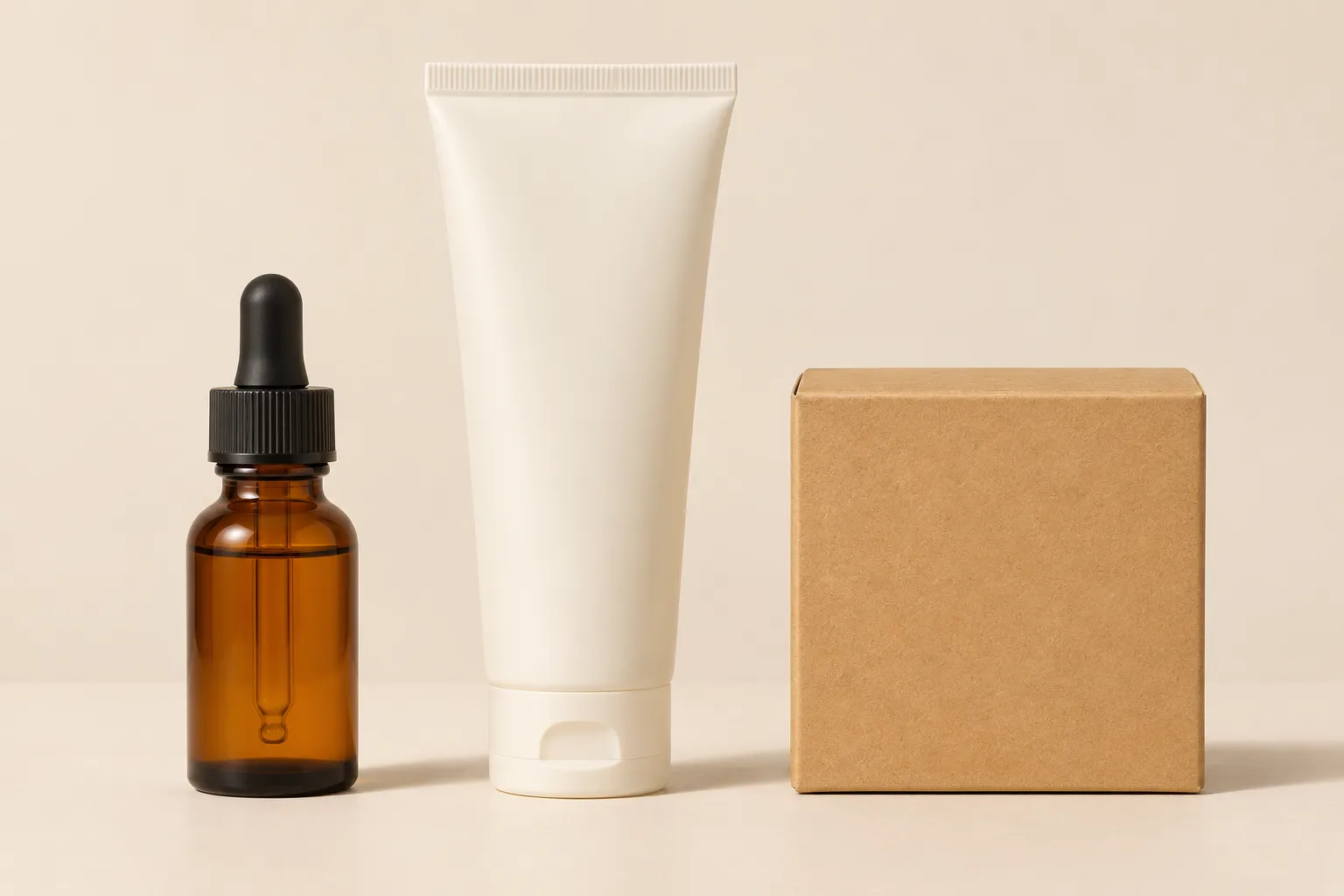
Independent concept illustration; not a Nano Banana 2.1 result or a matched comparison.
| Item | Quantity | Details to preserve |
|---|---|---|
| Amber bottle | One | Dropper cap, shoulder shape, amber finish |
| Off-white tube | One | Flat sealed end, cap shape, front orientation |
| Kraft box | One | Square outline, folded edges, kraft color |
Choose references with comparable viewpoints and readable outlines. If the bottle is photographed from above while the tube is shown at eye level, the model must invent more geometry to combine them. Explain which reference supplies which item. Do not ask it to merge all three into a single new package. The reference image guide covers input roles in more detail.
Define scale and overlap before props
If relative size matters, provide a real group photograph or use a measured composition. Separate product pictures do not establish scale. A plausible image does not prove that the bottle is shorter than the tube or that everything fits inside the box.
For an exploratory layout, describe the visual hierarchy without treating it as a measurement. Start on a plain surface. Keep the products apart until the count and shapes are right, then consider a slight overlap.
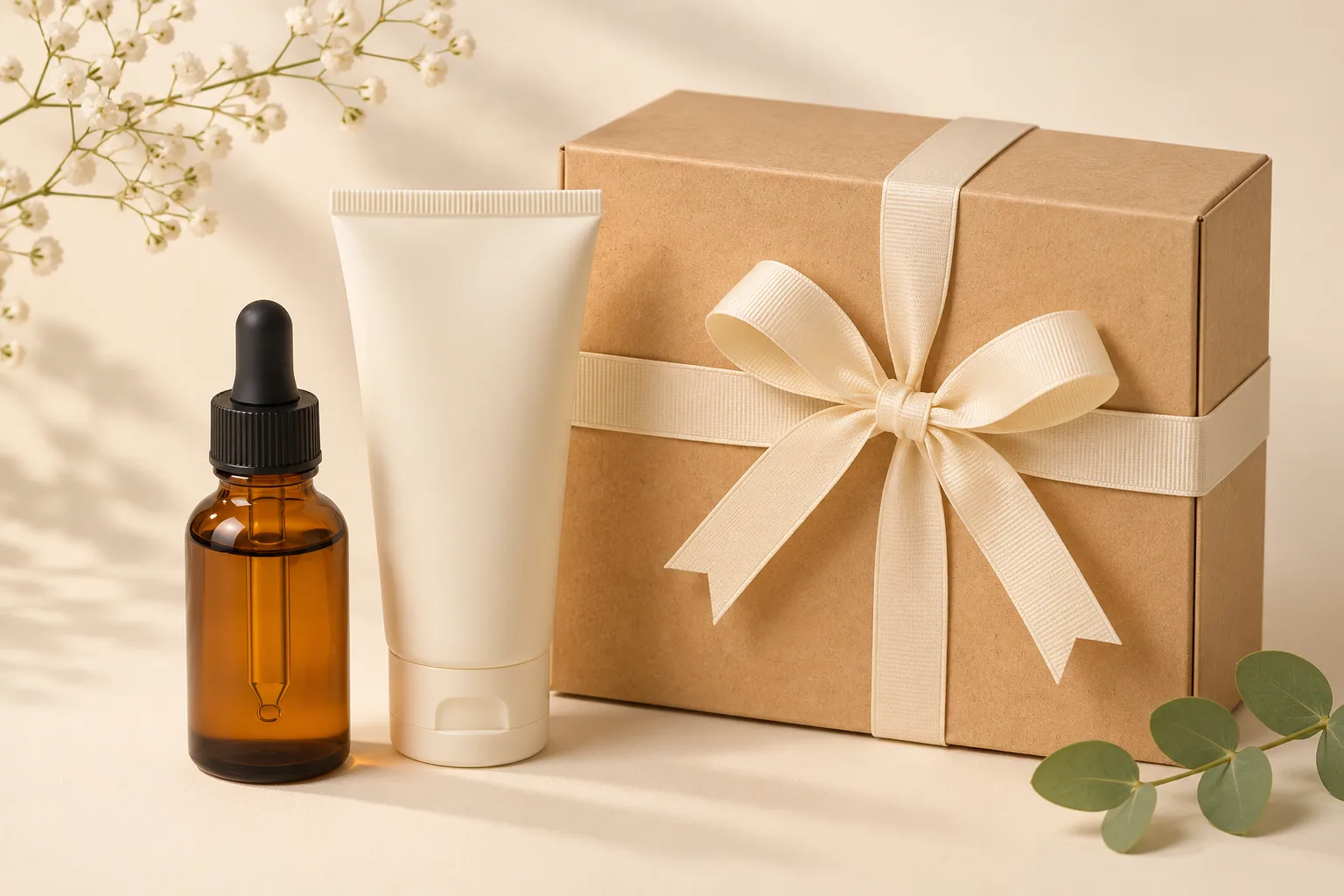
Independent concept illustration; not a Nano Banana 2.1 result or a matched comparison.
Arrange exactly one amber dropper bottle from the first reference, one off-white tube from the second, and one kraft box from the third on a plain cream tabletop. Keep their original package shapes, caps, colors, and front-facing orientation. Place the box behind the two containers without hiding either container's outline. Use soft studio light and a consistent viewing angle. Do not add extra containers, loose caps, labels, or props.
Google's model card includes multi-product recontextualization and product consistency in its evaluation coverage. It also lists limitations in spatial localization and 3D reasoning. That makes a bundle a relevant task to explore, not a guarantee of exact item count, scale, or packaging reproduction.
Reject a beautiful arrangement with the wrong contents
Check the image in a fixed order. Count items and accessories first. Then compare outlines and closures against each reference. Next inspect the area where objects overlap: a tube should not grow out of the box, and a bottle cap should not borrow the tube's shape.
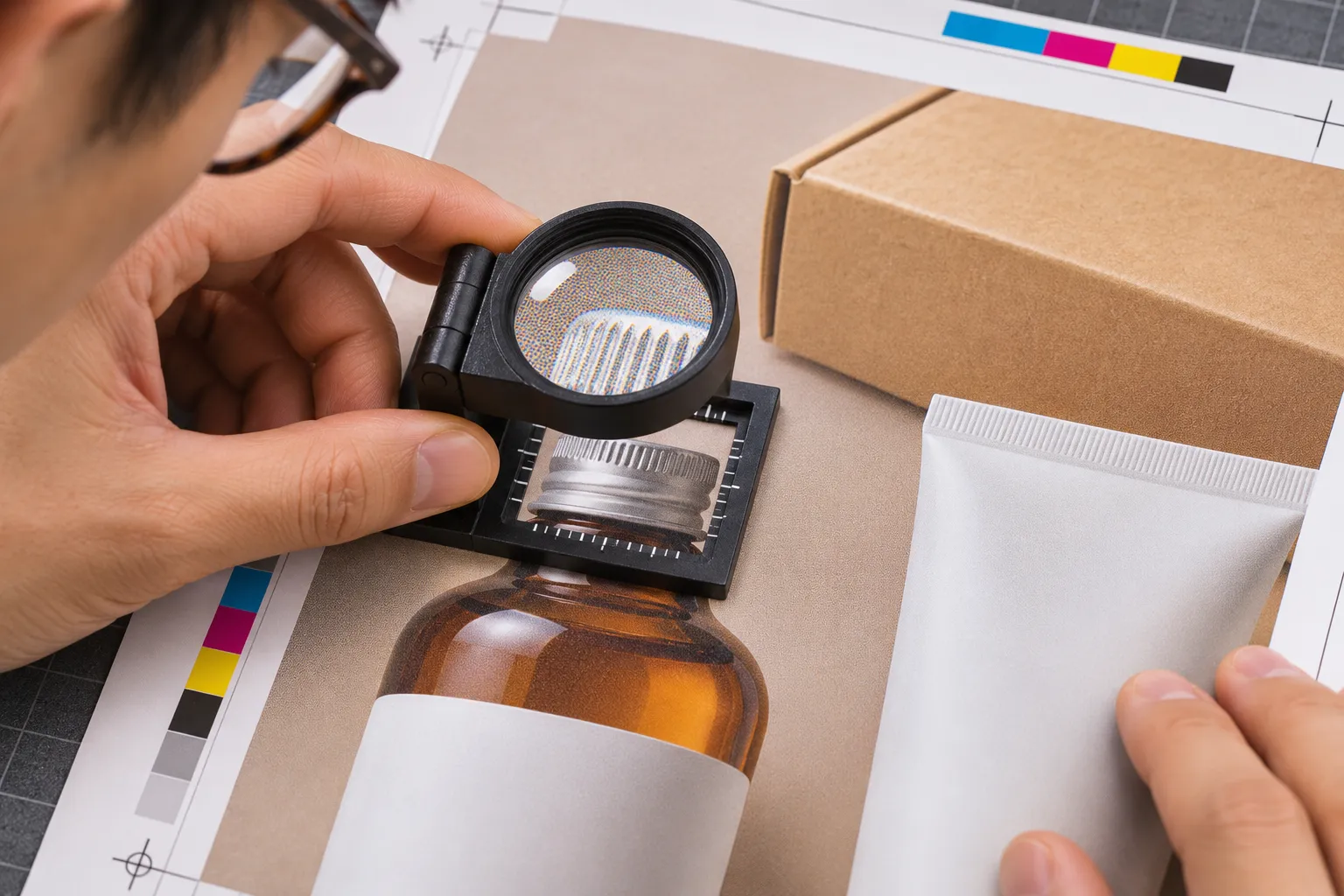
Independent concept illustration; not a Nano Banana 2.1 result or a matched comparison.
| Problem | Focused revision |
|---|---|
| A duplicate appeared | Restate the inventory and remove decorative extras from the brief |
| Packaging details mixed between items | Identify each item by reference and ask for a simpler separated arrangement |
| A label is hidden | Move the obstructing item rather than asking for invented lettering |
| Relative size changed | Use a real group photo or a controlled composite when scale must be accurate |
| A box or cap implies an extra included item | Remove it or verify that it is part of the actual bundle |
Finally review shadows, surface contact, and crop. A coherent light direction helps the set look like one scene, but it does not fix a changed product. If the result keeps altering labels or construction, retain source product photography and build the arrangement in a layout tool. Exact typography should come from approved artwork.
Keep the source images and inventory with the selected concept. For a customer-facing bundle, check the final image against what is actually supplied. A campaign concept can suggest a mood; a sales image also has to describe the right contents.
The three illustrations are independently generated concepts, not Nano Banana 2.1 test outputs. Documentation and workflow checked November 20, 2026.